
AnyX Guide Type: example
-
Sample Dual-Endpoint Web Application (Dashboard + API)
 Read more: Sample Dual-Endpoint Web Application (Dashboard + API)
Some web applications have HTML + API’s separately. See how to login as a single endpoint and use externally without change.
-
Locked-Down Networks Certificate Revocation
 Read more: Locked-Down Networks Certificate Revocation
Your firewall blocks all but specific outbound IP access. Your Let’s Encrypt or other certificates are not checking CRL or OCSP revocation. Here we show how to resolve.
-
VTScada and Twilio Inbound Access
 Read more: VTScada and Twilio Inbound Access
VTScada and Twilio Inbound Access. VTScada interfaces to Twilio for alert management, nominally requiring inbound IP. Do with private IP, no port forwarding, geo-ip block via Agilicus AnyX
-
Sample: Hosted Icecast
 Read more: Sample: Hosted Icecast
Learn how to setup an on-site icecast server, give it public Internet access with no firewall changes.
-
Sample Hosted Application
 Read more: Sample Hosted Application
You compile your web application, we do the rest: hosting, certificate, authentication, logging. Just drag and drop the zip from your build.
-
Sample React Application
 Read more: Sample React Application
Create a sample React application, configure it to use OpenID Connect Authentication and Authorisation to Agilicus platform.
-
Sample: Rockwell Studio 5000
 Read more: Sample: Rockwell Studio 5000
Learn how to use the Agilicus Launcher with Rockwell Studio 5000 RSLinx to seamlessly access PLCs in multiple sites, without a VPN.
-
Sample: Schneider Electric Control Expert
 Read more: Sample: Schneider Electric Control Expert
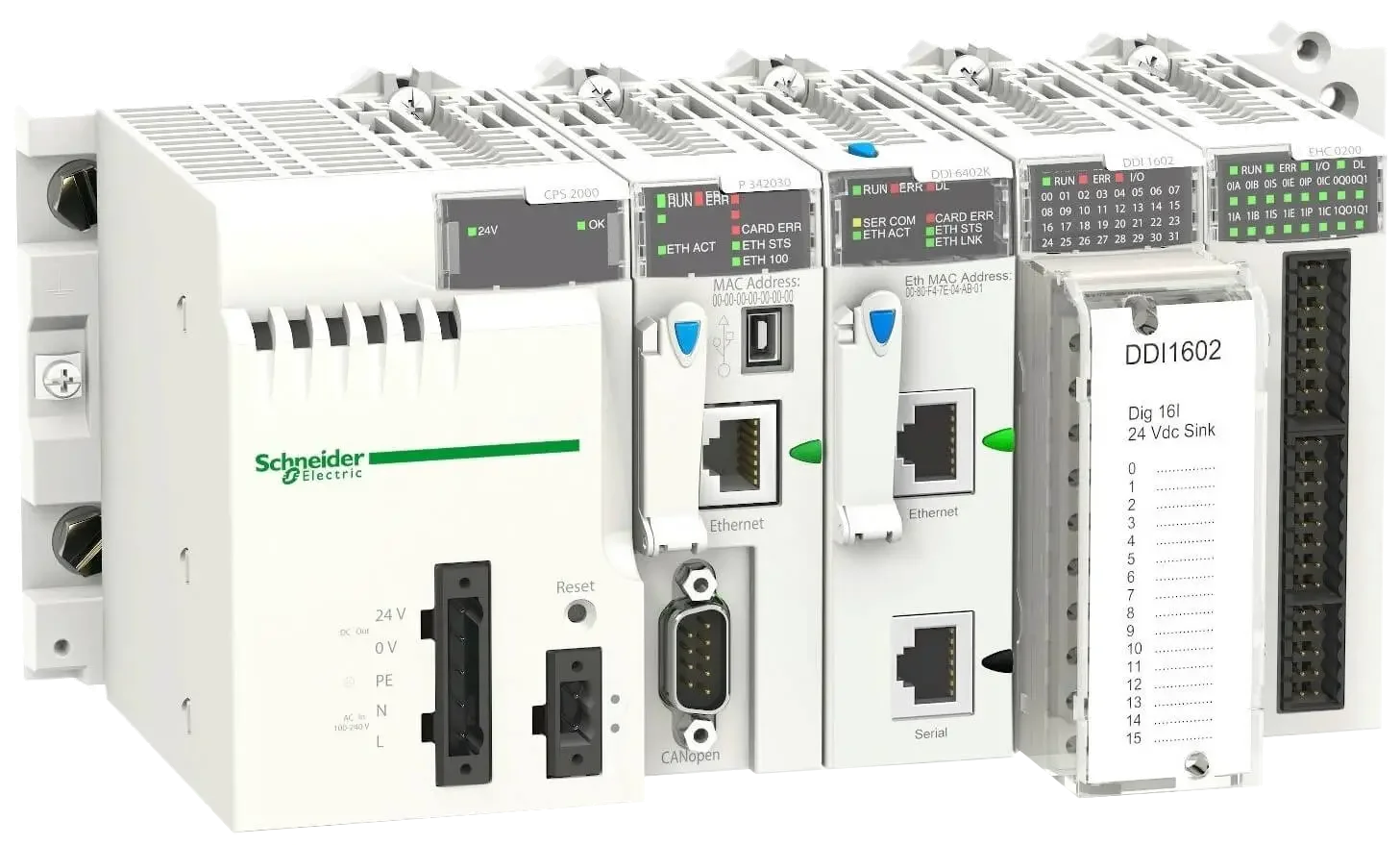
Learn how to use the Agilicus Launcher with Schnedier Electric Control Expert to seamlessly access PLCs in multiple sites, without a VPN.
-
Sample Kafka Messaging From AWS VPC To Private Network
Read more: Sample Kafka Messaging From AWS VPC To Private NetworkAccess a Kafka broker with no direct network access, both ends firewalled from each other, from the world.
-
Connect to VTScada – Adding a Web Application
 Read more: Connect to VTScada – Adding a Web Application
Learn how to add an application to the Agilicus platform and connect to VTScada through a zero trust model
-
Real VNC & Raspberry Pi
 Read more: Real VNC & Raspberry Pi
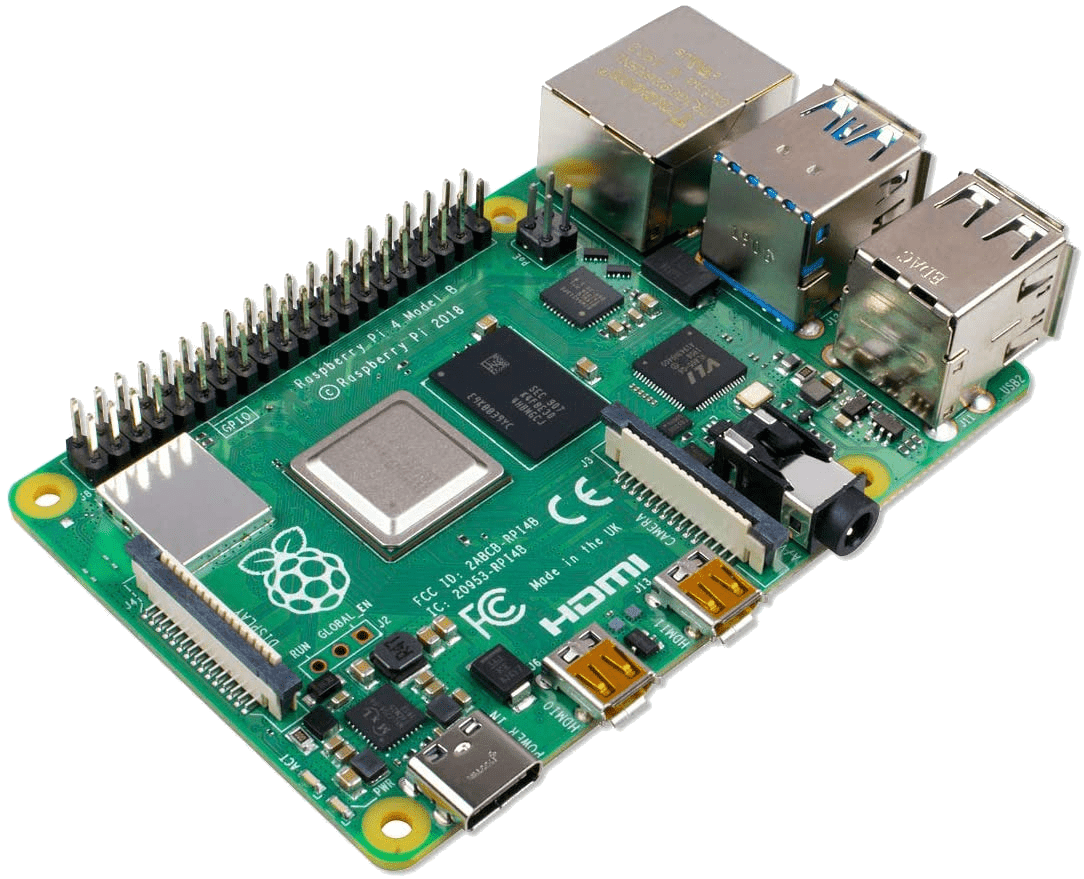
The Raspberry PI (with Raspbian) comes pre-installed with a VNC-like server. This can be configured to support standard authentication and used via Agilicus Any-X
-
Sample: Synology Local SSL
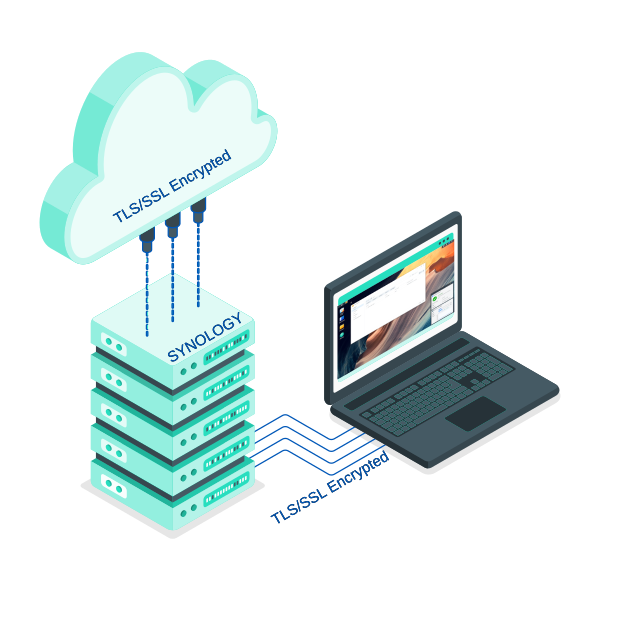 Read more: Sample: Synology Local SSL
No more snake-oil self-signed certificates, even on local lan. Let Agilicus AnyX connector automate the task.
-
UDP via SSTP VPN
 Read more: UDP via SSTP VPN
Use Agilicus AnyX as a means of connecting a VPN to an otherwise unconnectable location. UDP via SSTP VPN
-
Agilicus Connector Air Gap Machine With Containers
 Read more: Agilicus Connector Air Gap Machine With Containers
Setup a host firewall to create a virtual airgap on a Linux machine running containers with the Agilicus connector.
-
Print Via Service Forwarder
Read more: Print Via Service ForwarderPrint on a remote printer from a local site. Use the Agilicus Connector plus Service Forwarder.
-
Print via Launcher
Read more: Print via LauncherUse a remote printer from a local application via Agilicus Launcher.