
AnyX Guide Type: example
-
Policy Based Access Control By Subnet
Read more: Policy Based Access Control By SubnetAugment identity-based security with policy-based access control by subnet. Learn to allow or deny access based on specific IP addresses or ranges.
-
Example: Azure Entra Setup
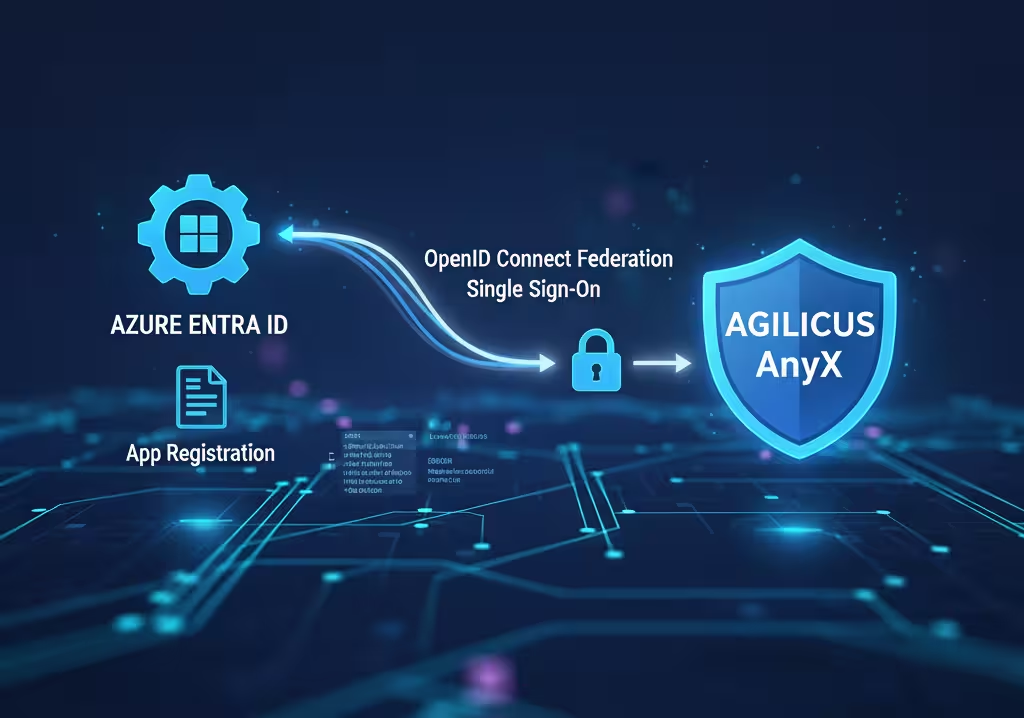 Read more: Example: Azure Entra Setup
Worked through example showing setup of a custom Azure application registration for auto-user creation, auto-group syncing, zero-touch user provisioning.
-
Authenticated Remote MCP Server
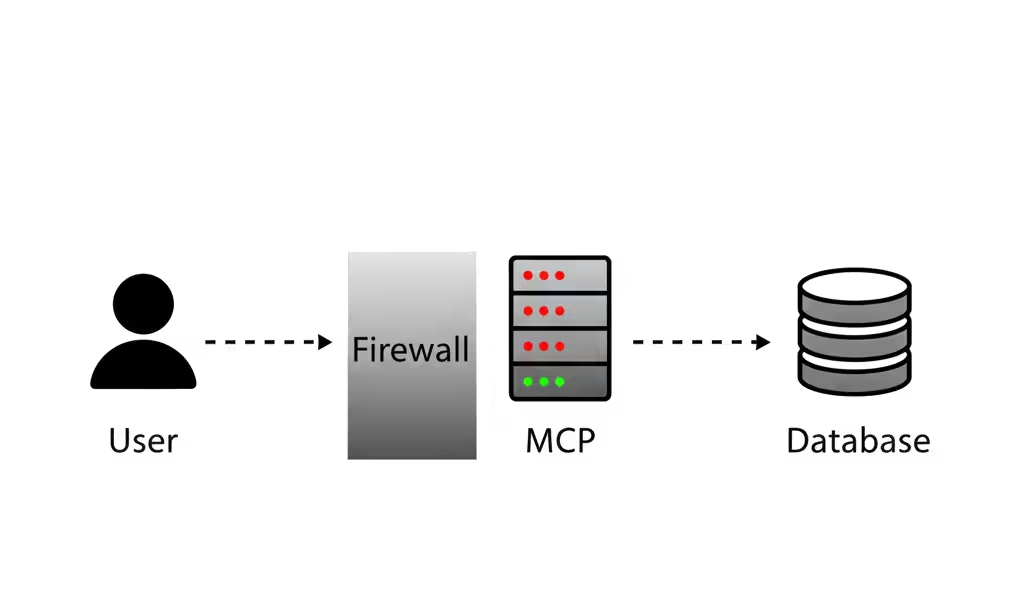 Read more: Authenticated Remote MCP Server
Access your Model Control Protocol (MCP) server securely and remotely with authentication, without firewall changes. This guide demonstrates how to lockdown access to your self-hosted PostgreSQL instance using the Agilicus Launcher, protecting against potential vulnerabilities and ensuring only trusted users can interact with your data.
-
SaaS, Cloud Usage Of Internal API
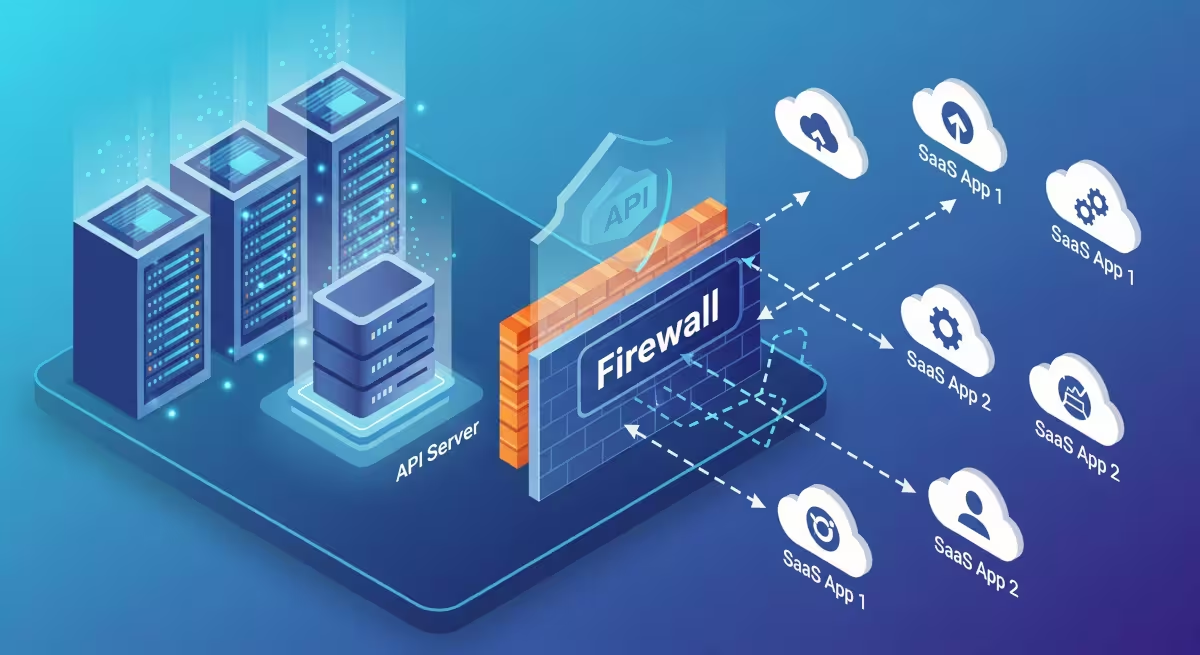 Read more: SaaS, Cloud Usage Of Internal API
Access an on-premise API from a SaaS application with strong security, simply.
-
Departmental Sub-Org Setup
 Read more: Departmental Sub-Org Setup
Methods to manage departmental needs for local-admin and local-resources. Pro/con of each method.
-
Example: Netbox
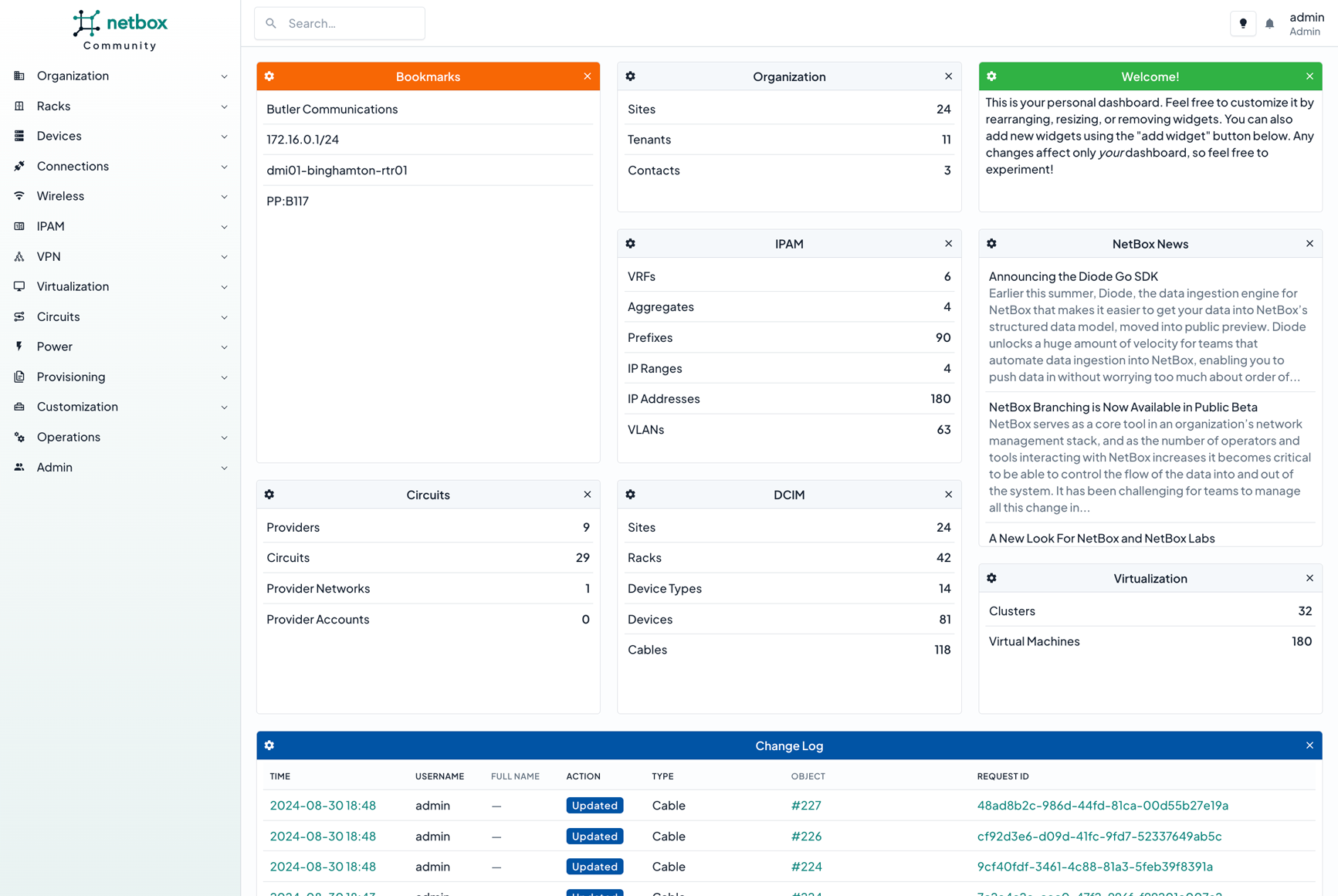 Read more: Example: Netbox
Configure Agilicus AnyX and NetBox to allow single-sign-on remotely.
-
Automatic Share Access
 Read more: Automatic Share Access
Create a share, allow anonymous users to self-request access to it.
-
Rockwell Automation PanelView VNC
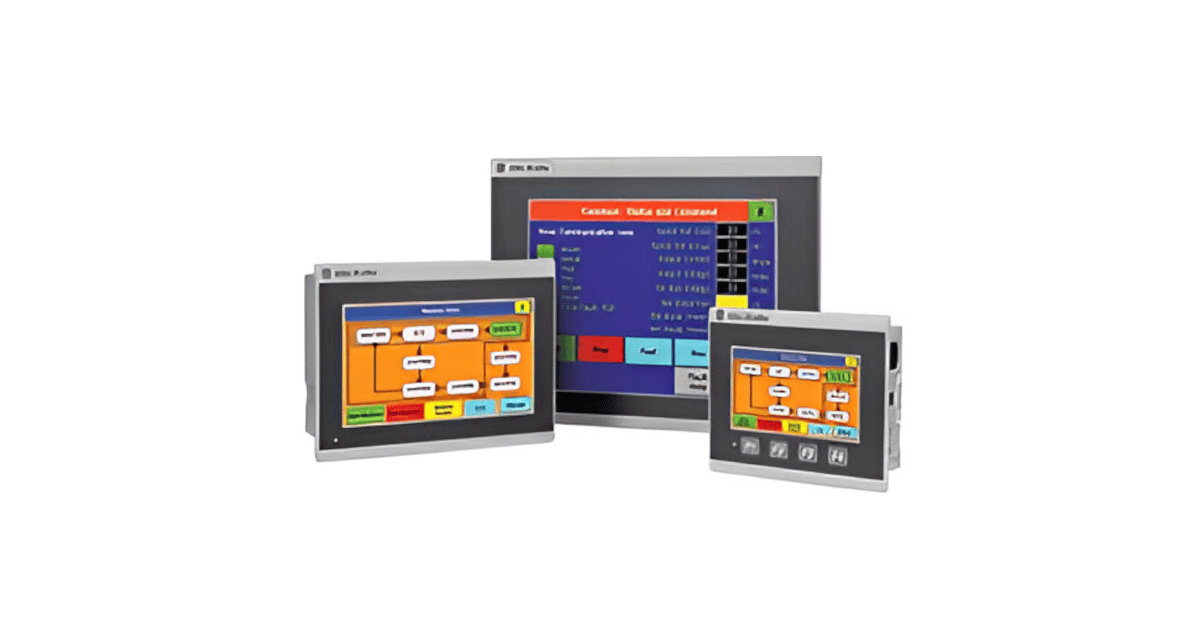 Read more: Rockwell Automation PanelView VNC
Setup Agilicus AnyX to make secure industrial remote access available to any user, to a Rockwell Automation PanelView HMI. No VPN. No firewall change. Single-Sign-On. Multi-factor authentication.
-
Open WebUI and Ollama Example
 Read more: Open WebUI and Ollama Example
Use Agilicus AnyX to safely use your Open WebUI / Ollama remotely, with single-sign-on authentication and no port-forwarding or firewall rules.
-
Seeed reComputer R1000
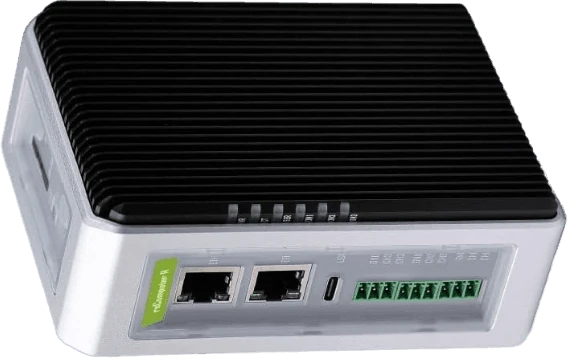 Read more: Seeed reComputer R1000
Install Agilicus Connector on the Seeed reComputer R1000 Industrial Edge IoT Gateway
-
C-more Remote HMI with Agilicus Zero Trust
 Read more: C-more Remote HMI with Agilicus Zero Trust
The C-more HMI Panel by Automation Direct is a user-friendly, touch-screen interface designed for controlling and monitoring industrial automation systems. By combining Agilicus AnyX with the existing remote access capabilities, C-more HMIs are secured with Zero-Trust access to enhance efficiency and flexibility in a wide range of applications, from manufacturing to process automation.
-
SNI-Based Camera Routing From NVR
 Read more: SNI-Based Camera Routing From NVR
Configure a NVR to use SNI-based routing to an HTTP-capable camera.
-
Site To Site Transparent Layer 3 Tunnel
 Read more: Site To Site Transparent Layer 3 Tunnel
Connect two sites in a layer-3 transparent fashion using the Agilicus Connector.
-
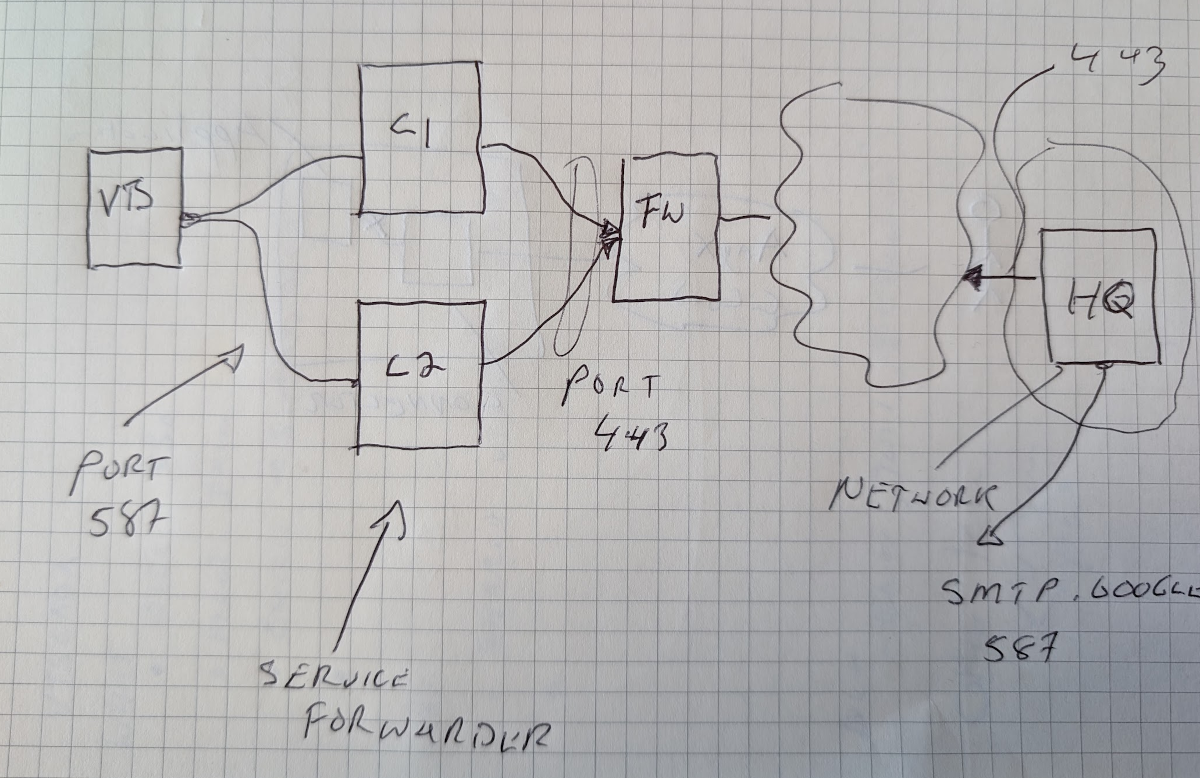
Send Email Inside Air Gap
 Read more: Send Email Inside Air Gap
Use public email provider from within an air-gap environment using Agilicus Service Forwarder
-
Phoenix Contact PLCnext Engineer with Zero Trust
 Read more: Phoenix Contact PLCnext Engineer with Zero Trust
Support and manage PLCNext devices across multiple customers, multiple sites, simultaneously, without a VPN, with Agilicus AnyX
-
VTScada Single-Sign-On
 Read more: VTScada Single-Sign-On
Enable single-sign-on, multi-factor authentication to VTScada for external users via Agilicus AnyX
-
Remote Access Group Policy update via Zero Trust
 Read more: Remote Access Group Policy update via Zero Trust
Enable remote Active Directory policy management using the connector and Windows remote access to keep remote machines up to date.
-
Using Remote Desktop Gateway through a Launcher
 Read more: Using Remote Desktop Gateway through a Launcher
This guide will walk you through configuring your machine to access desktops using a Remote Desktop gateway via an Agilicus Connector. This is a different setup than the normal Desktop direct feature.
-
Hikvision DS-2CD3132-I
 Read more: Hikvision DS-2CD3132-I
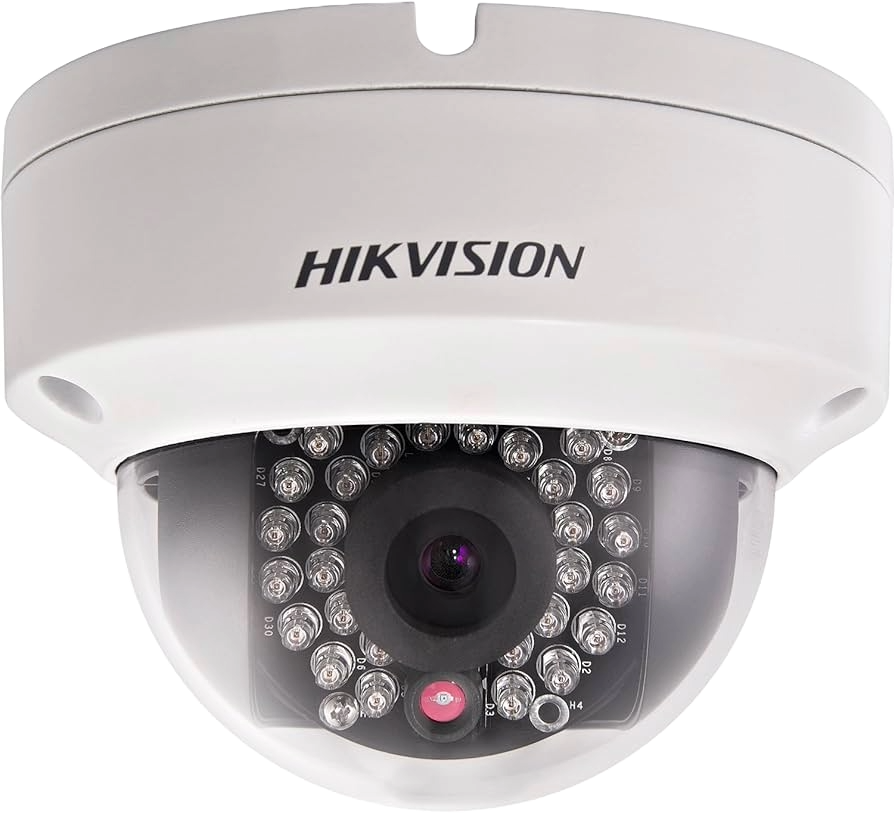
The Hikvision DS-2CD3132-I is an embedded CCTV surveillance camera. It is entirely unsafe for it to have any Internet access, either inbound, or outbound. However, it is a solid device with good performance. In this example, we recommend putting the device on an isolated network segment, no inbound, no outbound connectivity. Straddling this segment place…
-
Microsoft Power BI Desktop And Zero Trust with Agilicus
 Read more: Microsoft Power BI Desktop And Zero Trust with Agilicus
With Microsoft Power BI desktop application and Agilicus AnyX one can visually explore data through a free-form drag-and-drop canvas, a broad range of modern data visualizations, and an easy-to-use report authoring experience.
-
Agilicus Zero Trust with acSELerator QUICKSET
 Read more: Agilicus Zero Trust with acSELerator QUICKSET
The SEL Quickset communication software is a tool to quickly and easily configure, commission, and manage devices for power system protection, control, metering, and monitoring. When used via Agilicus, it can be used securely through the AnyX platform via a Zero Trust approach.
-
Sample LibreNMS Application
 Read more: Sample LibreNMS Application
Create an authenticating proxy to LibreNMS on a private network.
-
Sample Node Red
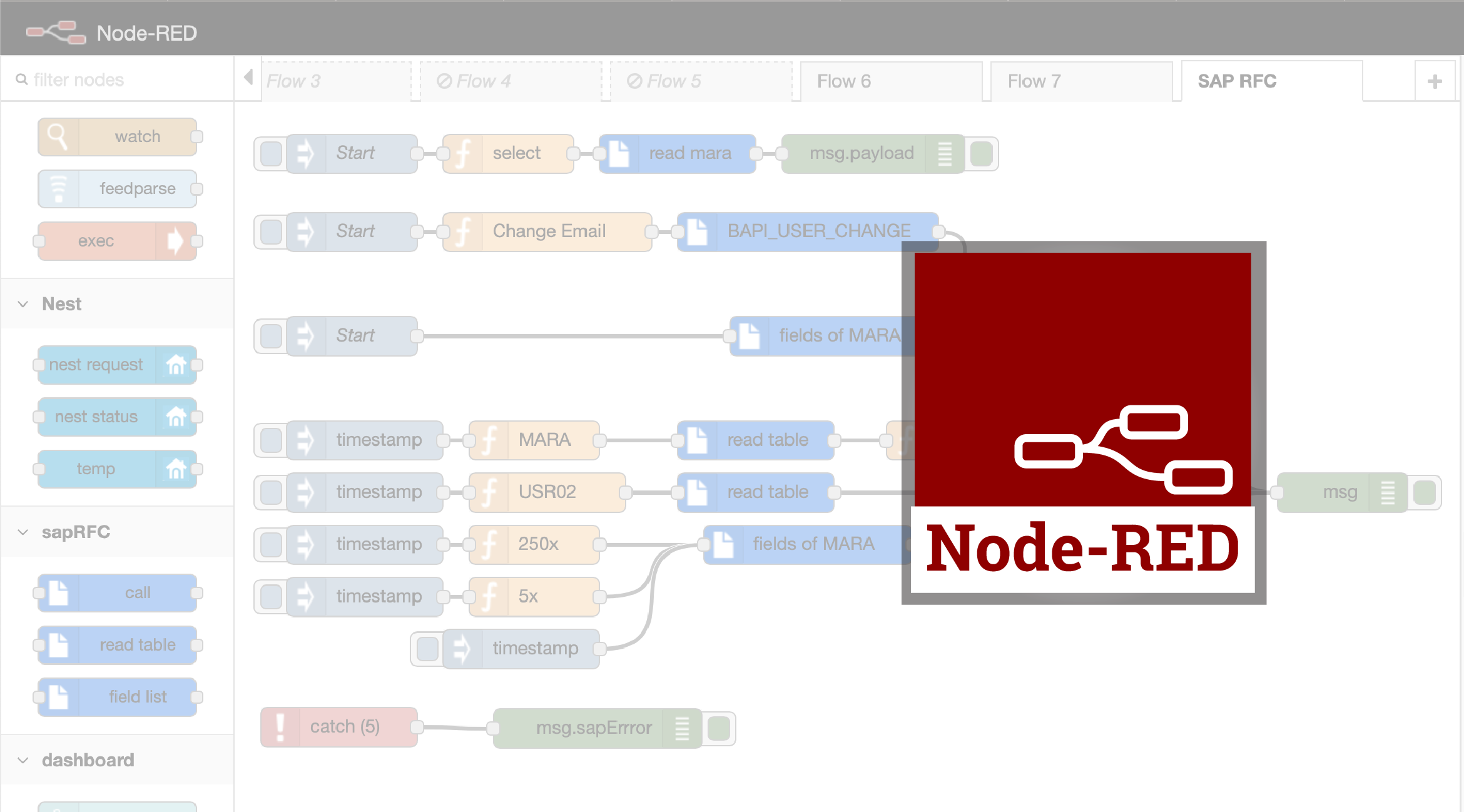 Read more: Sample Node Red
Node Red is a web-based hardware event programming system. It is ideal to run under Agilicus AnyX
-
Sample: CNAME With Google Domains
 Read more: Sample: CNAME With Google Domains
Configure your own custom domain to use with Agilicus AnyX. Example with Google Domains shown.
-
Sample Grafana In Kubernetes
 Read more: Sample Grafana In Kubernetes
Secure access to Grafana in Kubernetes: no ingress, any user, single sign on
-
Sample Application Demonstration
 Read more: Sample Application Demonstration
A sample web server, single executable, instructions on how to run it as if it were e.g. your wiki, and securely expose it to named users on Internet.
-
Sample Dual-Endpoint Web Application (Dashboard + API)
 Read more: Sample Dual-Endpoint Web Application (Dashboard + API)
Some web applications have HTML + API’s separately. See how to login as a single endpoint and use externally without change.
-
Locked-Down Networks Certificate Revocation
 Read more: Locked-Down Networks Certificate Revocation
Your firewall blocks all but specific outbound IP access. Your Let’s Encrypt or other certificates are not checking CRL or OCSP revocation. Here we show how to resolve.
-
VTScada and Twilio Inbound Access
 Read more: VTScada and Twilio Inbound Access
VTScada and Twilio Inbound Access. VTScada interfaces to Twilio for alert management, nominally requiring inbound IP. Do with private IP, no port forwarding, geo-ip block via Agilicus AnyX
-
Sample: Hosted Icecast
 Read more: Sample: Hosted Icecast
Learn how to setup an on-site icecast server, give it public Internet access with no firewall changes.