
AnyX Guide Type: guide
-
Connector Install: Netgate SG-1100 pfSense
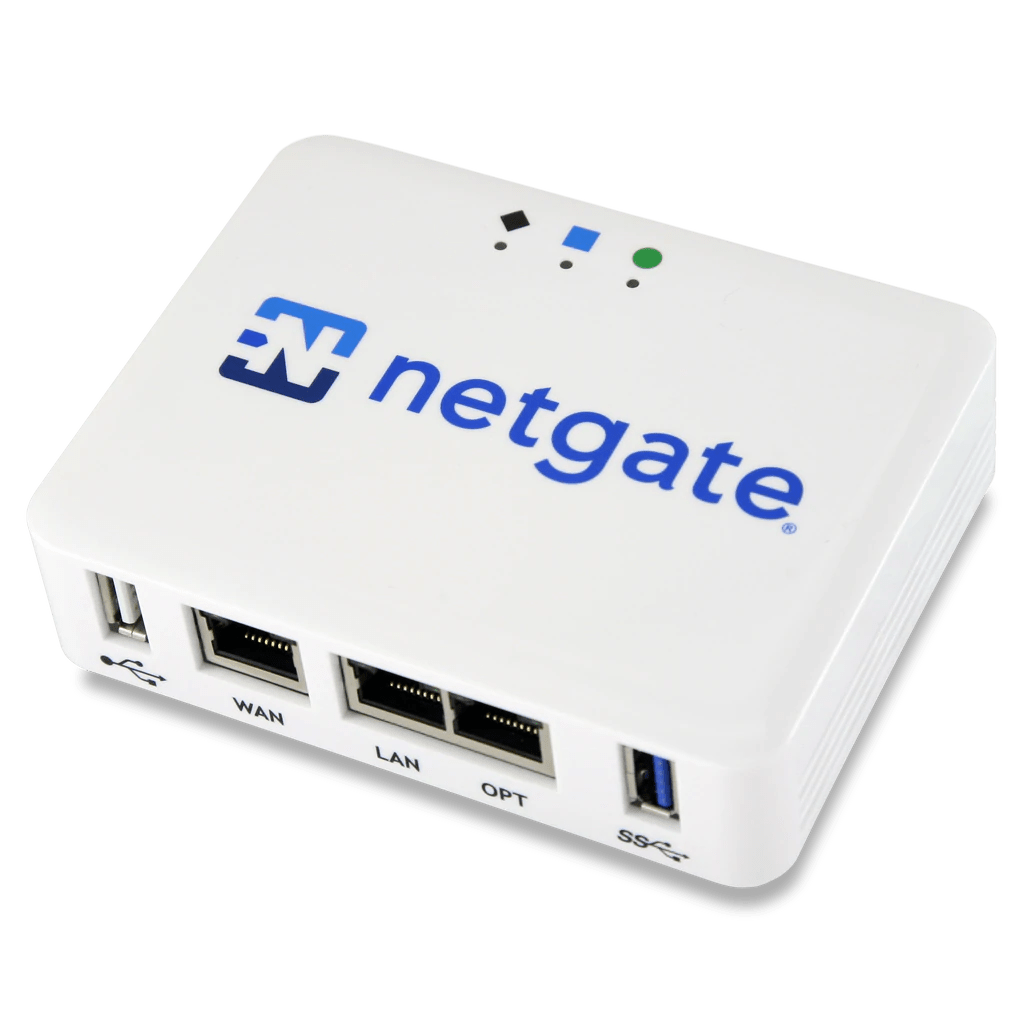 Read more: Connector Install: Netgate SG-1100 pfSense
The Netgate SG-1100 pfSense is a small-form factor router. it is a good vantage point to run the Agilicus Agent Connector.
-
Agilicus AnyX Demo
 Read more: Agilicus AnyX Demo
Evaluate the Agilicus AnyX platform with a canned, built-in, fully functional demo environment. Nothing to install.
-
Agilicus Connector – NanoPI R5S
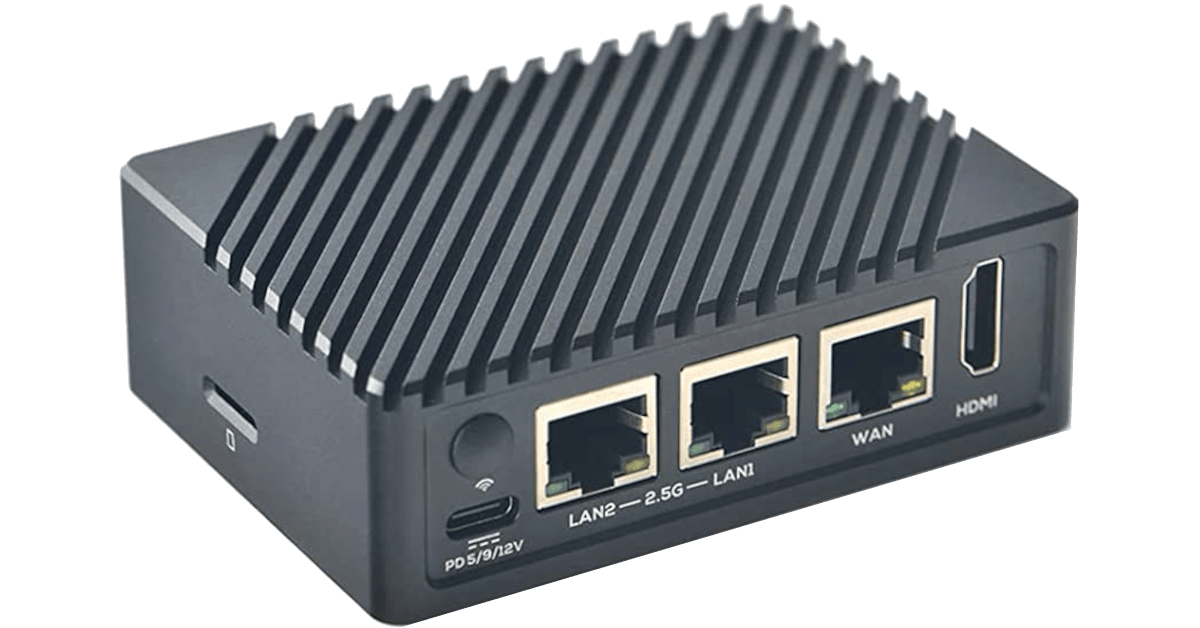 Read more: Agilicus Connector – NanoPI R5S
Install an Agilicus Connector on an OpenWRT-based NanoPi R5S.
-
Sign Up
 Read more: Sign Up
Agilicus Platform provides Zero-Trust hosting and access, simply, securely. Any user, any device, any network. Strong identity.
-
Shares
 Read more: Shares
Shares are a means of taking a directory on a local server and making the contents available to any user, without a VPN and with out a client.
-
Hosted Applications
 Read more: Hosted Applications
An application manages web-based applications, API’s, anything which uses HTTP as a transport. It encompasses a Web Application Firewall, an Identity Proxy, and fine-grained Authorisation and Audit.
-
Azure Active Directory
 Read more: Azure Active Directory
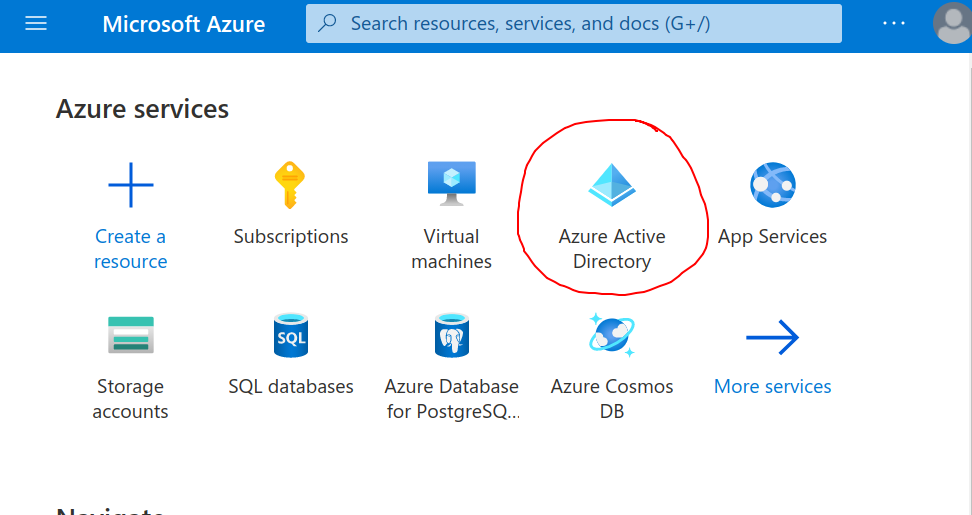
Azure Active Directory provides an OpenID Connect Federated Identity Endpoint. Learn how to configure.
-
Sign-In Theming
 Read more: Sign-In Theming
You can theme the authentication (sign-in) screen your users see. Learn how.
-
Agilicus Connector
 Read more: Agilicus Connector
The Agilicus Connector facilitates connectivity from a private site to external users.
-
Profile
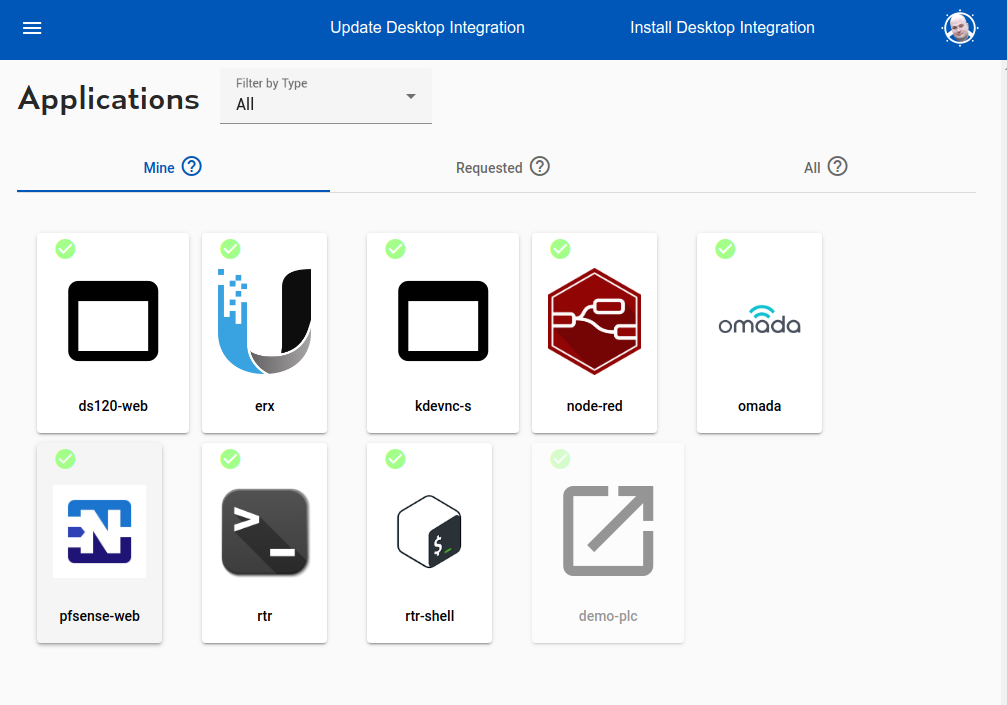 Read more: Profile
End user profile. Access applications, shares. Set up multi-factor authentication.
-
Permissions
 Read more: Permissions
Permissions. Per user, per group, per application. Permissions can be by HTTP method, parameters. Fine-grained.
-
Multi-Factor Authentication
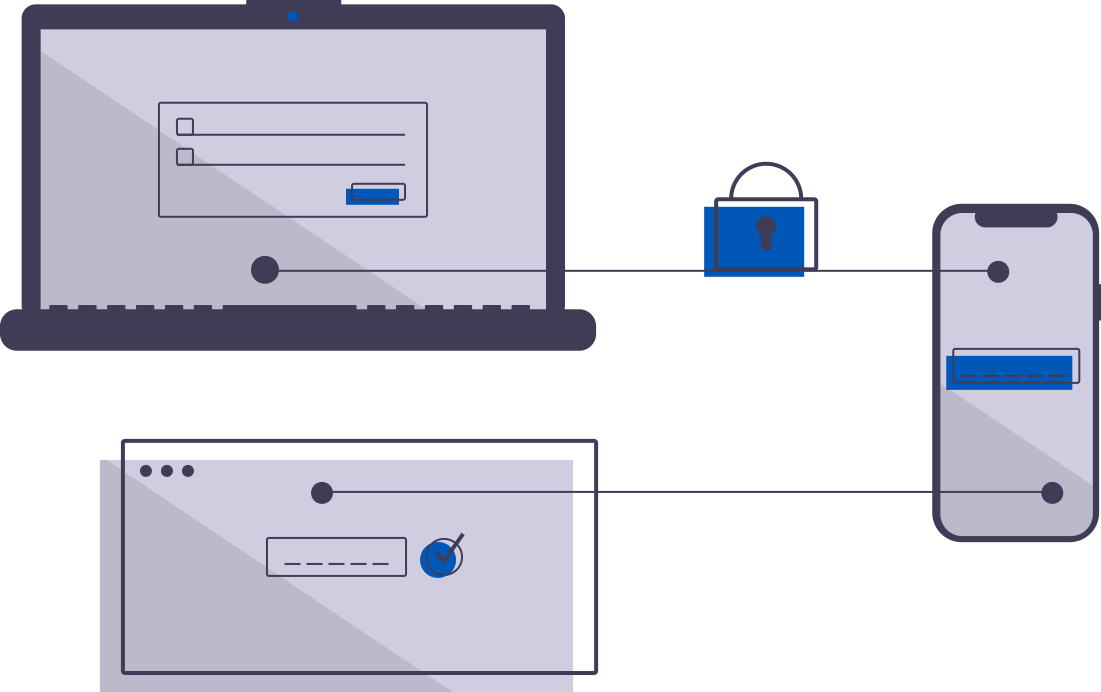 Read more: Multi-Factor Authentication
Multi-factor authentiction. Configure how, when, how often, users are required to supply a 2nd factor to sign in.
-
Identity & Authentication Methods
 Read more: Identity & Authentication Methods
You can theme the authentication (sign-in) screen your users see. Learn how.
-
Authentication Clients
 Read more: Authentication Clients
The Authentication Clients implement OpenID Connect client id. This is an advanced setting, it is rarely required to configure. These are created automatically for each web application.
-
Application Request Access
 Read more: Application Request Access
Your organisation has a dynamic workforce, and a dynamic list of applications that they use to be efficient. A self-discovery, self-request workflow is more efficient than a command-and-control model.
-
Services
Read more: ServicesA ‘service’ is a global resource (usually TCP) available from your domain of control to web applications running in the platform.
-
Zero-Trust SSH Access
 Read more: Zero-Trust SSH Access
Simplify your SSH access with Zero Trust. Direct access to any internal server, cloud VPC or VLAN without changing firewall.
-
Forwarding
 Read more: Forwarding
Network Resources may be forwarded from site to site or user to site. This allows you to e.g. expose an ERP or database without a VPN.
-
Content Security Policy
 Read more: Content Security Policy
Content-Security-Policy is a set of headers to protect your application from malicious content in objects, scripts, images, frames, etc.
-
Users
Read more: UsersUsers. Individual human or system accounts that can be granted permission. Typically users are people, and, are tied to Agilicus AnyX via single-sign-on to an existing identity provider.
-
Command Line API Access
 Read more: Command Line API Access
Your application also behaves as an API, used by a CLI or other non-browser-based application. Here you can see how to use via HTTP proxy or token.
-
Zero-Trust Desktop Access
Read more: Zero-Trust Desktop AccessSimplify and secure your Desktop Access. Fine-grained authorisation per Desktop. Any user, from any identity provider. No public IP needed.
-
Resource Groups
 Read more: Resource Groups
Resource groups are a means of applying a common configuration across a set of resources (connectors, applications, shares, etc)
-
Launchers
 Read more: Launchers
Integration of Resources with the Desktop is achieved through the Launcher. – Mount a Share – Open an SSH – Open a Desktop – Launch an executable
-
Authentication Rules
Read more: Authentication RulesAuthentication rules allow providing conditional-access rulesets during the authentication process. IP range, device, multi-factor, etc.
-
Microsoft ClickOnce
 Read more: Microsoft ClickOnce
Deploy with Microsoft ClickOnce. Secure with Agilicus Zero Trust. Single-Sign-On, no VPN. Seamless end user experience.
-
Sign in With Microsoft
 Read more: Sign in With Microsoft
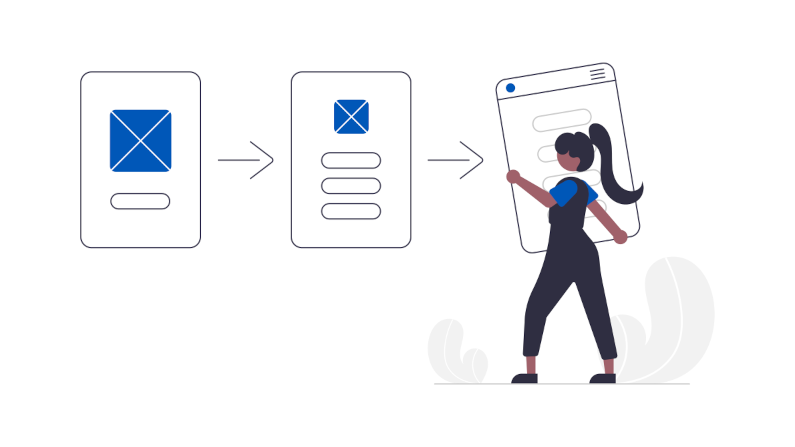
Sign in with Microsoft to the Agilicus Platform. Ramificatiosn of Shared vs your own Azure Active Directory Application.
-
Theory of Operation: CNAME + DOMAIN
 Read more: Theory of Operation: CNAME + DOMAIN
Theory of operation: initial setup, choose a domain name, set the CNAME wildcard.
-
Agilicus Launcher (Desktop)
Read more: Agilicus Launcher (Desktop)Automatically mount a Share, launch a local application. With multi-factor authentication. Without a VPN. Automated rollout to all users.
-
Sign in With Apple
Read more: Sign in With AppleSign in with Apple allows you to use resources through the Agilicus platform authenticated by an Apple ID.