
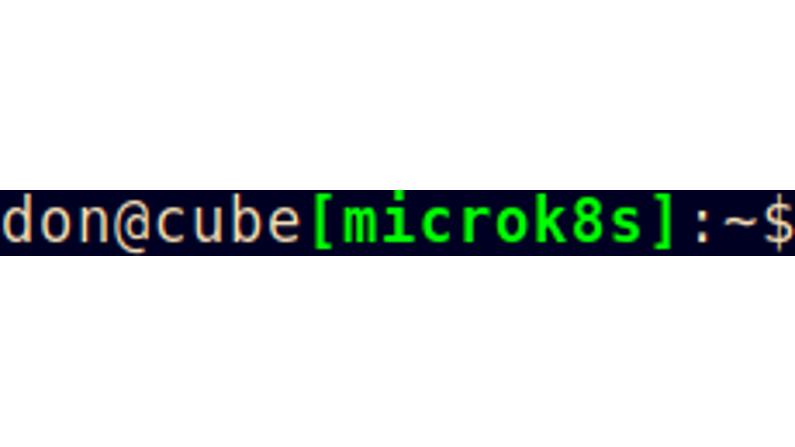
You are working with multiple clouds. But, you keep changing context and then accidentally applying something. Ooops. If only this could be simpler.Drop these two bits in your .bashrc. Now you can simply say ‘context foo’ and be in that context with a little bit of colour in your prompt to remind you.Side node: the \[$B1\], the \[ is important otherwise bash doesn’t know how ‘wide’ that is and your command-history will go funny for long lines.
context() {
  if [ $# -eq 1 ]
  then
      if [ "$1" = "list" ]; then
	  /usr/bin/kubectl config get-contexts -o name
      else
	  /usr/bin/kubectl config use-context "$1" 2>/dev/null
      fi
  fi
  B1="$(tput bold)$(tput setf 2)"
  B0="$(tput sgr0)"
  KUBERNETES_CONTEXT="[$(/usr/bin/kubectl config current-context | cut -c1-11)]"
  PS1='\u@\h\[$B1\]$KUBERNETES_CONTEXT\[$B0\]:\W\$ '

  # Assumes you have source <(kubectl completion bash) above
  complete -F __kubectl_config_get_contexts context
}

context