
Category: Product Guide
-
Multi-Factor Authentication
 Read more: Multi-Factor Authentication
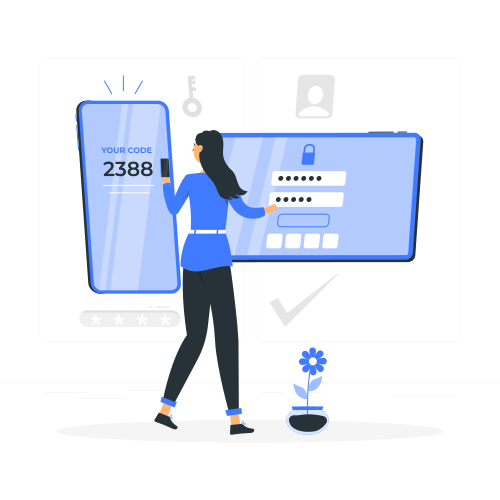
This training guide provides a comprehensive walkthrough for setting up multi-factor authentication (MFA) within the Agilicus AnyX platform. It covers the configuration process from both an administrator’s and an end-user’s perspective, ensuring a smooth and secure implementation. Learn why MFA is crucial for enhancing security and how to effectively deploy it for your organization.
-
Users and Authentication
 Read more: Users and Authentication
This training module covers the essentials of user and authentication management in Agilicus AnyX. Learn how to set up and organize users and groups, configure various authentication methods, integrate with identity providers, and effectively enable and manage multi-factor authentication to secure your environment.
-
Overview
 Read more: Overview
This training course provides a high-level overview of the Agilicus AnyX platform, covering its core theory of operation and key components. Participants will gain an understanding of essential terminology and the main parts of the system they will interact with, laying the foundation for more advanced topics.
-
Initial Setup
 Read more: Initial Setup
This training guide walks you through the initial setup process for the Agilicus AnyX platform. Learn the essential first steps, including account creation, DNS configuration, setting up your domain name, creating initial administrator accounts, and configuring your primary authentication methods to get your Zero Trust environment up and running.
-
Your Logo: Theming Agilicus AnyX
 Read more: Your Logo: Theming Agilicus AnyX
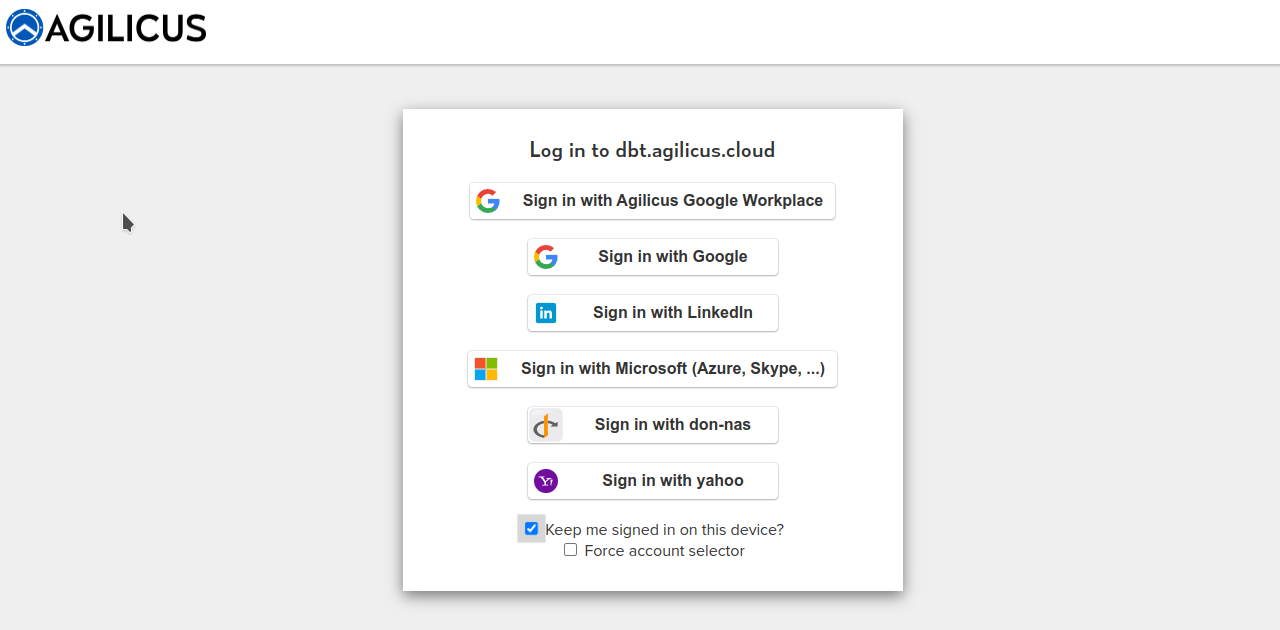
Agilicus AnyX supports personalising the sign-in and usage environment to match your corporate brand. This is more than just asthethic: a consistent look and feel helps train users to reduce the likelihood of a successful spear-phishing attack.
-
Bring Your Own Device in Agilicus AnyX
 Read more: Bring Your Own Device in Agilicus AnyX
We’ll help you understand the benefits of BYOD and the robust, secure support Agilicus AnyX offers so you are equipped with everything you need to allow it.
-
Auto-Creating Users in Agilicus AnyX
 Read more: Auto-Creating Users in Agilicus AnyX
Agilicus AnyX allows for auto-creating users that simplifies the process and enhances efficiency. We’ll help you understand the benefits & use cases.
-
Using Groups for Assigning Role-Based Permissions
 Read more: Using Groups for Assigning Role-Based Permissions
We’ll help you understand the benefits of assigning role-based permissions using groups in Agilicus AnyX and the advantages of this approach.
-
Diagnosing User Issues with Audits
 Read more: Diagnosing User Issues with Audits
We’ll help you explore the importance of audits in diagnosing user issues and how using them in Agilicus AnyX empowers admins to resolve problems efficiently.
-
VNC and RDP in Agilicus AnyX: Which is Right for Me?
 Read more: VNC and RDP in Agilicus AnyX: Which is Right for Me?
You have two different choices for how to enable a Desktop resource for your users: VNC and RDP. We’ll help you determine which one is right for you.
-
Best Practices for Connectors
 Read more: Best Practices for Connectors
You may have questions about how to install or configure Connectors in Agilicus AnyX. We’ll share best practices so you can decide what works best for you.
-
Best Practices for Multi-Factor Authentication
 Read more: Best Practices for Multi-Factor Authentication
Multi-Factor Authentication is the strongest protection against the common cyber attacks. These best practices will help you implement it in Agilicus AnyX.
-
Give All Users a Unified Single Sign-On Experience
 Read more: Give All Users a Unified Single Sign-On Experience
What do we mean when we talk about ‘all users’ or providing a unified experience? And what are the best practices around that? We’ll help you understand both.
-
Agilicus AnyX Product Guide
 Read more: Agilicus AnyX Product Guide
Agilicus AnyX Product Guide. Individual pages as cards