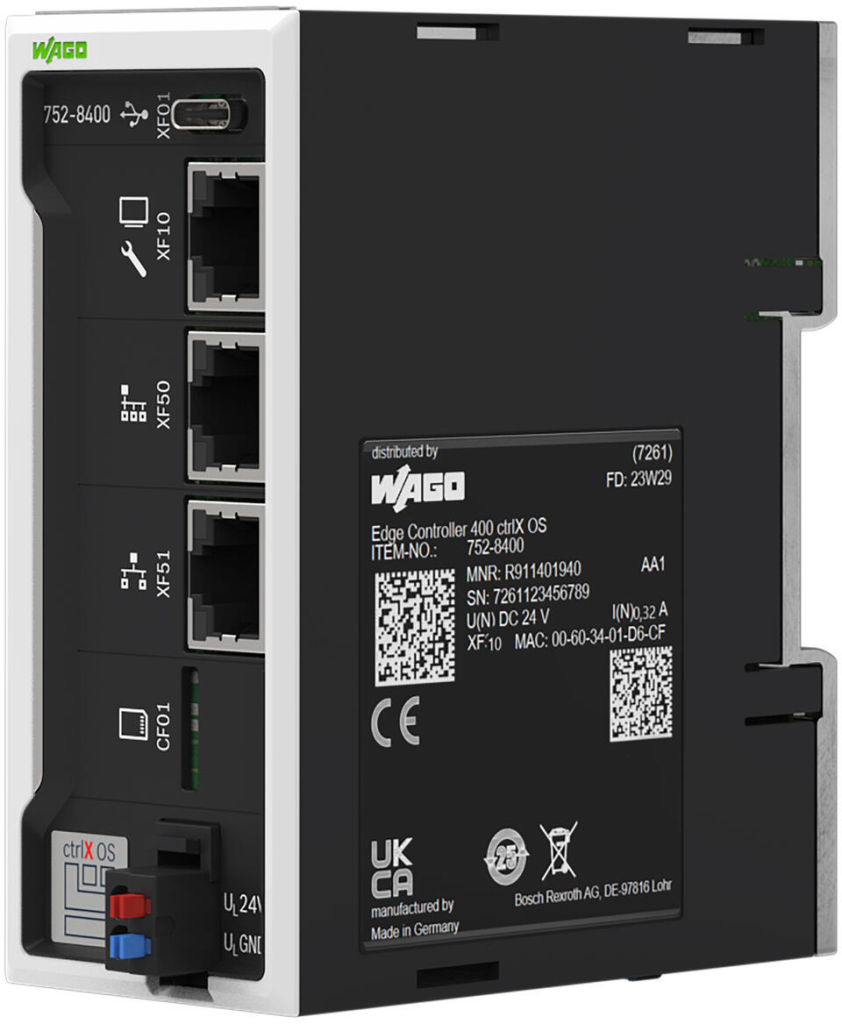
WAGO Edge Controller
The WAGO Edge Controller is a flexible and open control platform for many embedded and industrial applications. It provides an excellent vantage point to run the Agilicus Connector.
WAGO Edge Controller
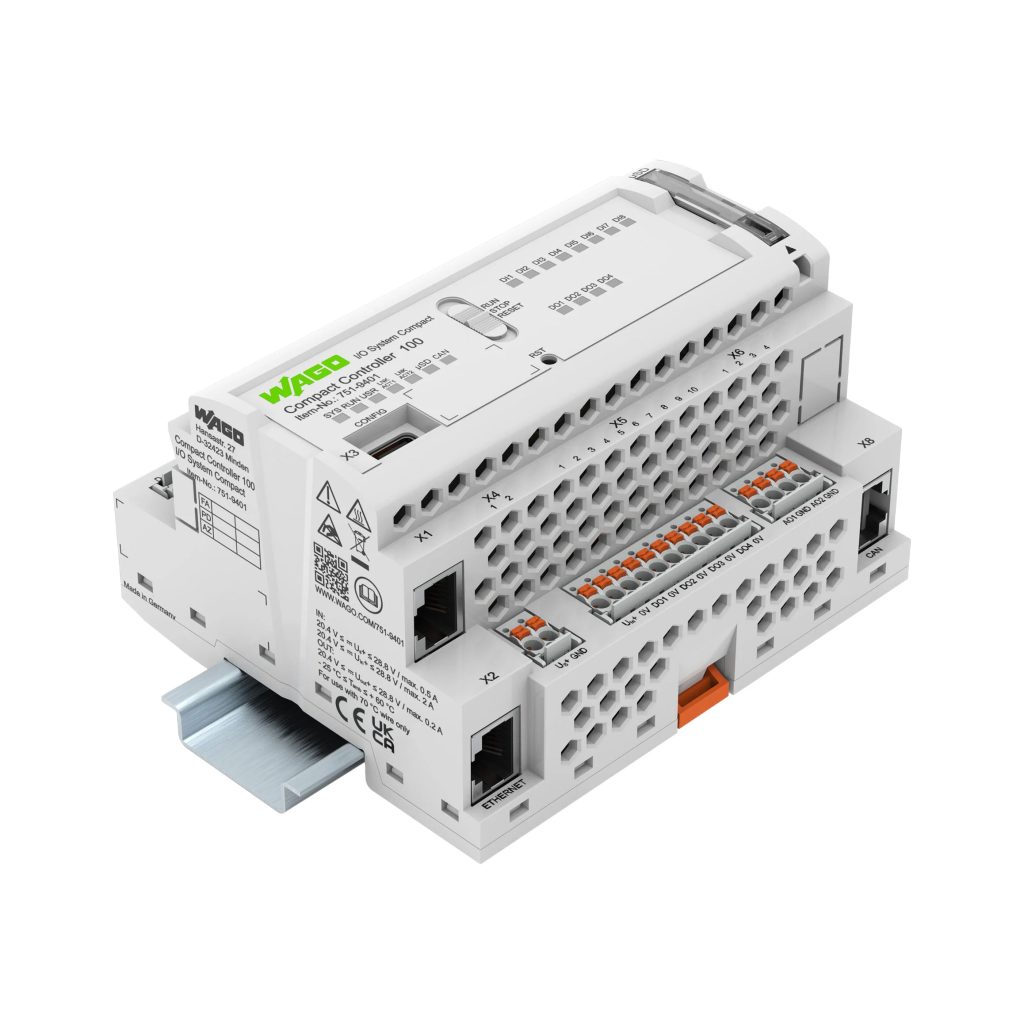
The WAGO Edge Controller is a flexible and open control platform for many embedded and industrial applications. It provides an excellent vantage point to run the Agilicus Connector.
The below instructions were tested on firmware 04.04.03(26) on the following devices:
WAGO Compact Controller CC100 751-9301
WAGO Controller PFC200 750-8212
There are two deployment methods available on the platform:
- Native Install. The Agilicus Connector runs as part of the baremetal Host Linux distribution
- Docker Install. The WAGO Edge Controller runs a container runtime
Since the Agilicus Connector has no local state other than the encryption keys, there is no specific preference as to which method to choose. If you are using Service Forwarders inbound to the device, you will likely want the native install to enable Machine to Machine communication from a local network.
Preparation
NOTE
❗
Agilicus AnyX uses modern cryptography which requires proper time. Please ensure NTP is configured.
Requirements
In order to deploy the Agilicus Connector successfully the following steps should be undertaken
- Verify that sufficient (~200MB) disk space or expanded storage is available (Typical 1.1GB onboard eMMC available)
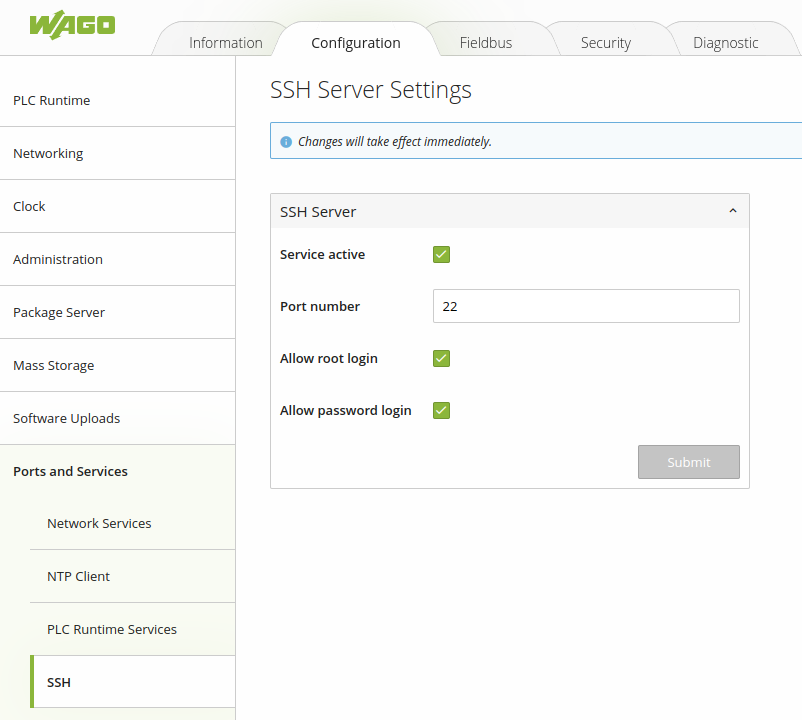
- Enable SSH terminal access via Web UI
- Configure and Sync NTP based time
- Have WAN access with DNS resolution and network segmentation permitting the Controller to reach the Agilicus AnyX cloud IP address over TLS
Confirm SSH is Enabled:
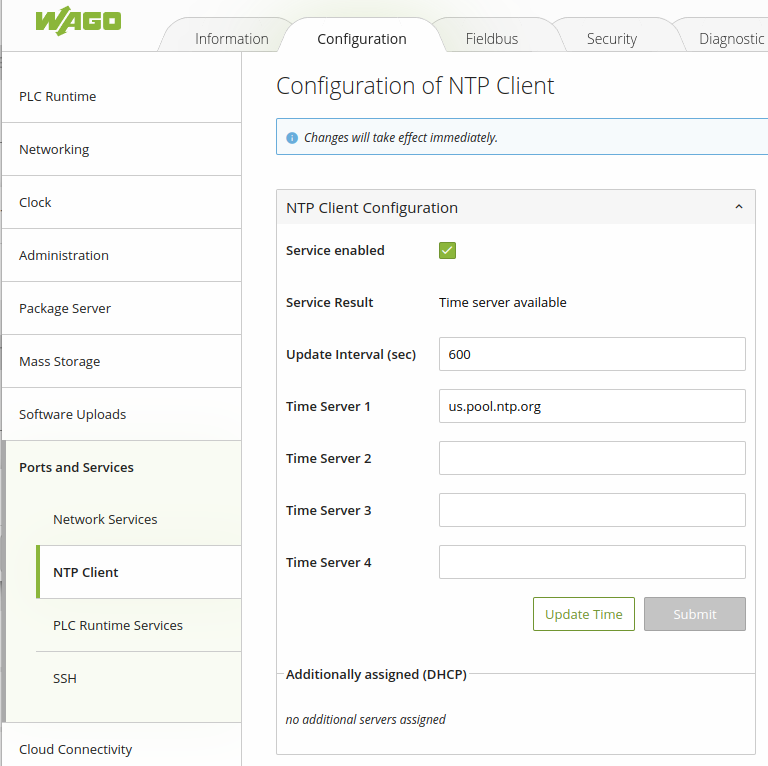
Confirm that your Controller has access to a local or remote NTP Server in order to maintain accurate time
Option 1. Native Install
The WAGO Edge Controller natively supports the Agilicus Connector. Install the connector as usual, selecting ‘Linux’, and paste the given command into an administrative (root) shell via SSH.
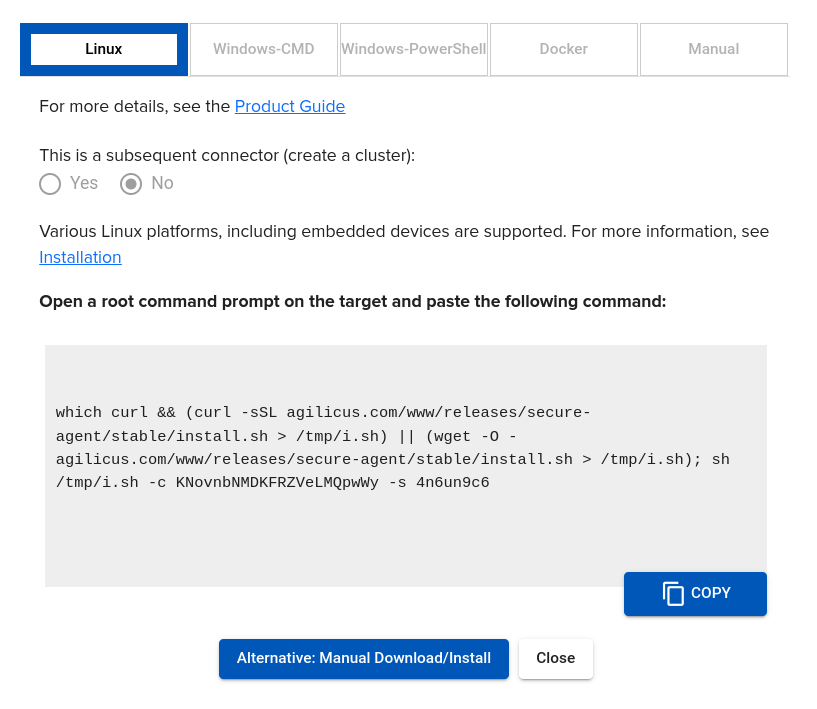
The results will look as below:
INFO[2024-07-25T00:52:33+02:00] Starting connector - version v0.264.16
INFO[2024-07-25T00:52:36+02:00] Check if the agilicus connector is already running as a service. If so stop it
INFO[2024-07-25T00:52:37+02:00] Create file /usr/bin/agilicus-agent-wrapper.sh
INFO[2024-07-25T00:52:37+02:00] Create file /etc/init.d/agilicus-agent
INFO[2024-07-25T00:52:37+02:00] Will install to /agilicus-agent-wrapper.sh -> {/usr/bin/agilicus-agent-wrapper.sh -rwxr-xr-x <nil>}
INFO[2024-07-25T00:52:37+02:00] Will install to /agilicus-agent-bb.sh -> {/etc/init.d/agilicus-agent -r-xr-xr-x <nil>}
INFO[2024-07-25T00:52:37+02:00] Will install to /agilicus-agent-wrapper-bb.sh -> {/usr/bin/agilicus-wrap -r-xr-xr-x <nil>}
INFO[2024-07-25T00:52:37+02:00] Create a directory at /opt/agilicus/agent/tufmetadata/latest
INFO[2024-07-25T00:53:29+02:00] Create a user and group named Agilicus to run the agilicus-agent service
INFO[2024-07-25T00:53:29+02:00] Copy executable to /opt/agilicus/agent
INFO[2024-07-25T00:53:29+02:00] Set permissions to Agilicus on /opt/agilicus/agent
INFO[2024-07-25T00:53:29+02:00] Create symlink from /usr/bin/agilicus-agent to /opt/agilicus/agent/agilicus-agent-arm
INFO[2024-07-25T00:53:30+02:00] creating connector instance
INFO[2024-07-25T00:53:31+02:00] Join a connector cluster
INFO[2024-07-25T00:53:31+02:00] Start agilicus-agent service
INFO[2024-07-25T00:53:31+02:00]
INFO[2024-07-25T00:53:31+02:00] Installation Complete
INFO[2024-07-25T00:53:31+02:00]
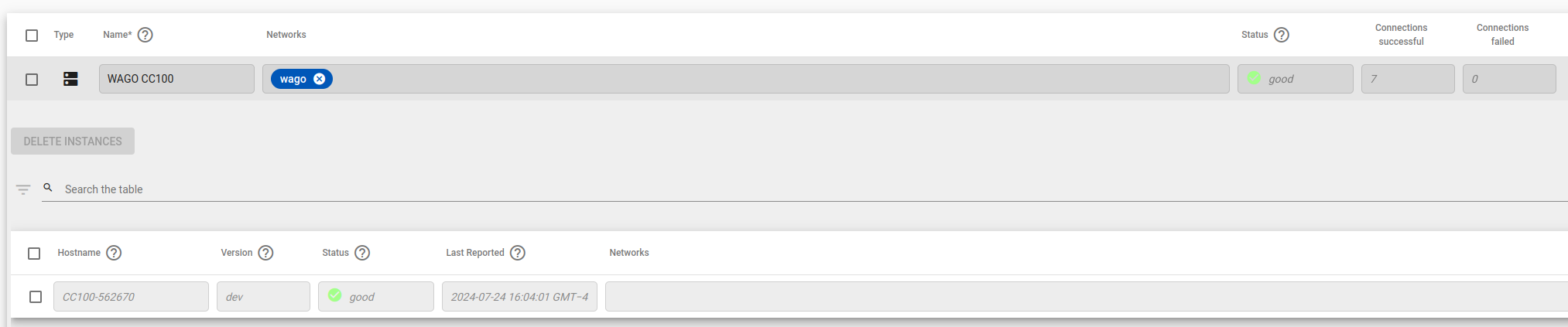
You can verify the Agilicus Connector instance status in the Connector Overview interface.
Option 2. Docker Install
NOTE
❗
Currently the docker installation support is restricted to 64bit ARMv8 architecture. Support for the 32bit ARMv7 is pending, we recommend Option 1 for these models. Contact us if you are unsure which architecture your controller uses.
Additional Requirements
As a primer, make sure to consult the WAGO documentation for the latest supported hardware and configurations of Docker.
If using Docker, make sure you understand the requirements of installing and running Docker service on the controllers with the WAGO Quickstart Guide on Docker available here:
https://www.wago.community/t/how-to-getting-started-with-docker/95
- Verify that the WAGO Controller model supports Docker
- Deploy and Enable Docker via Web UI
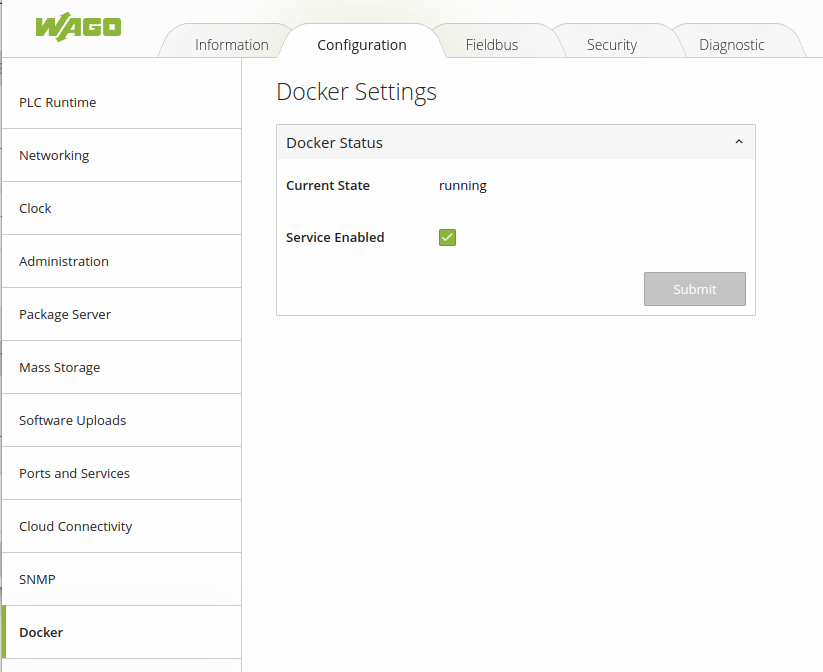
Confirm Docker is enabled on the device by logging into the Web Interface:
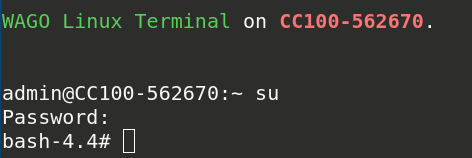
SSH to the Controller with the admin credentials and elevate your session to root privileges:
Verify that docker is installed:

Create and Deploy AnyX Connector
Navigate to your Agilicus AnyX Admin page for your organisation and create a new connector instance under Resources -> Connectors -> New
Once created, proceed with Installation and select the Docker tab in the installation menu:
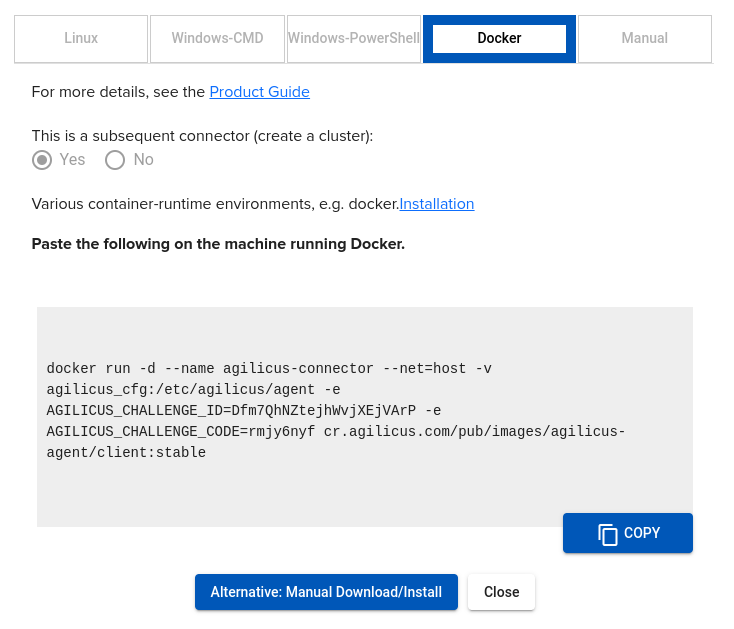
Copy the text block by clicking on the blue “Copy” icon.
Paste the text block in your Controller SSH Session:
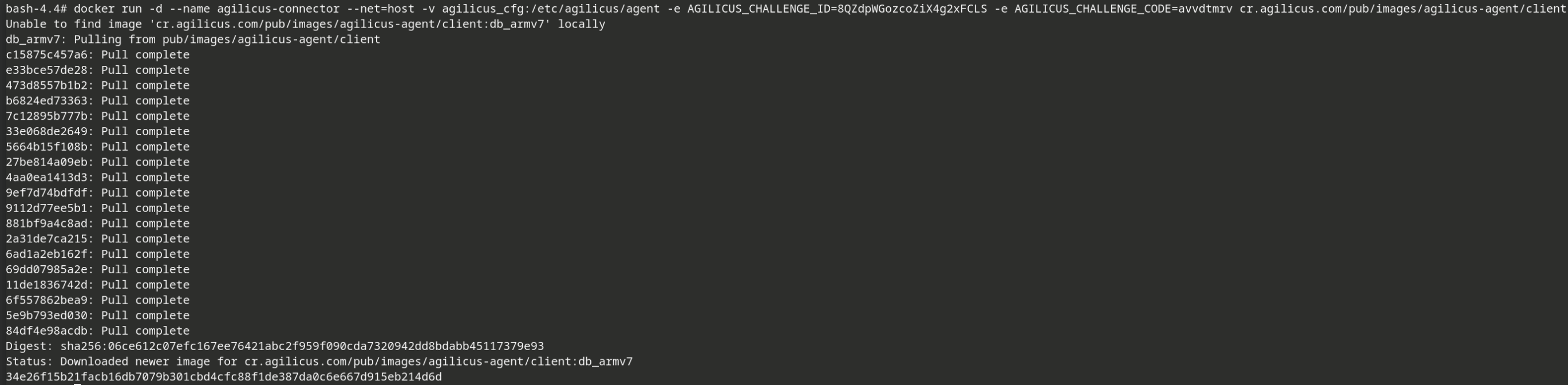
Verify that docker is now running an ‘agilicus-connector’ container

Verify in the Agilicus AnyX admin interface that the connector instance is up and communicating with the cloud platform. The Instance dialog should display the WAGO controller hostname and a status of GOOD:
Troubleshooting
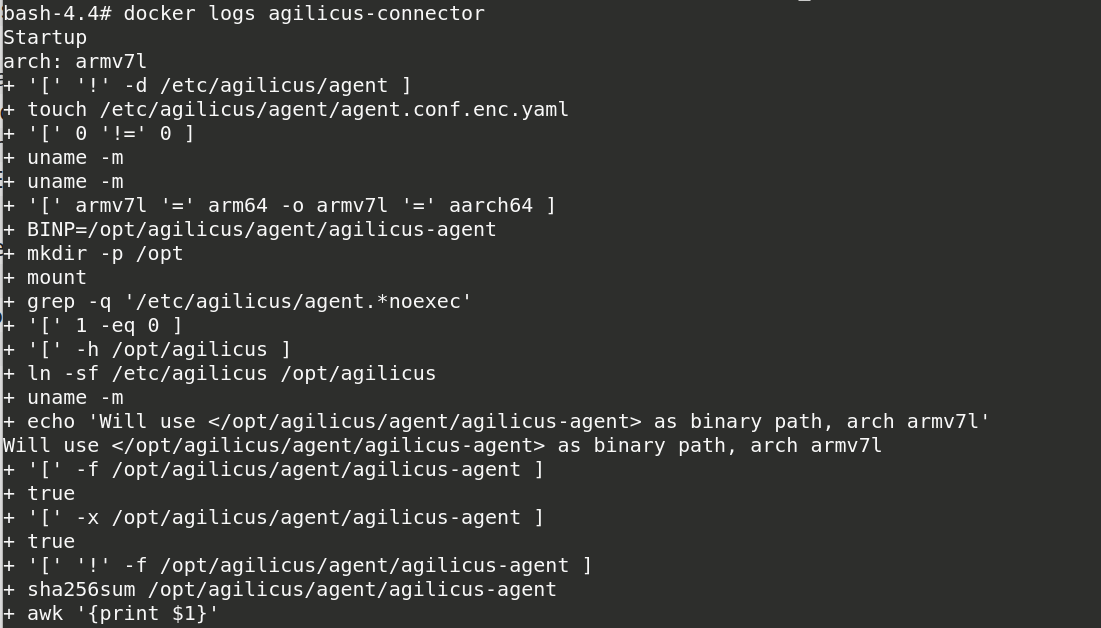
If the docker installation fails or the container fails to start, running docker logs will provide a lengthy and verbose output of the installation and initialisation process of the container.