
Connector Install
Raspberry Pi
Overview
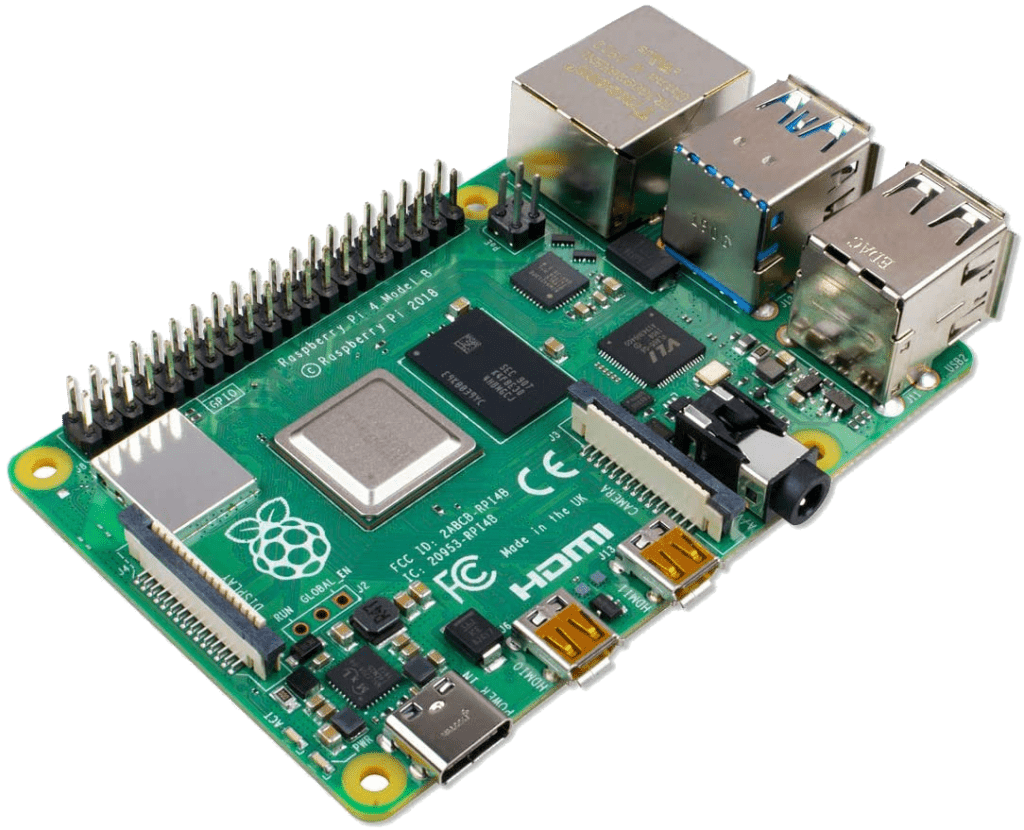
Modular single board computers (such as a Raspberry Pi) makes an excellent platform to run the Agilicus Connector.
The below instructions were tested on a Raspberry Pi 4, specifically:
# cat /etc/debian_version
10.12
# cat /etc/os-release
PRETTY_NAME="Raspbian GNU/Linux 10 (buster)"
NAME="Raspbian GNU/Linux"
VERSION_ID="10"
VERSION="10 (buster)"
VERSION_CODENAME=buster
ID=raspbian
ID_LIKE=debian
HOME_URL="http://www.raspbian.org/"
SUPPORT_URL="http://www.raspbian.org/RaspbianForums"
BUG_REPORT_URL="http://www.raspbian.org/RaspbianBugs"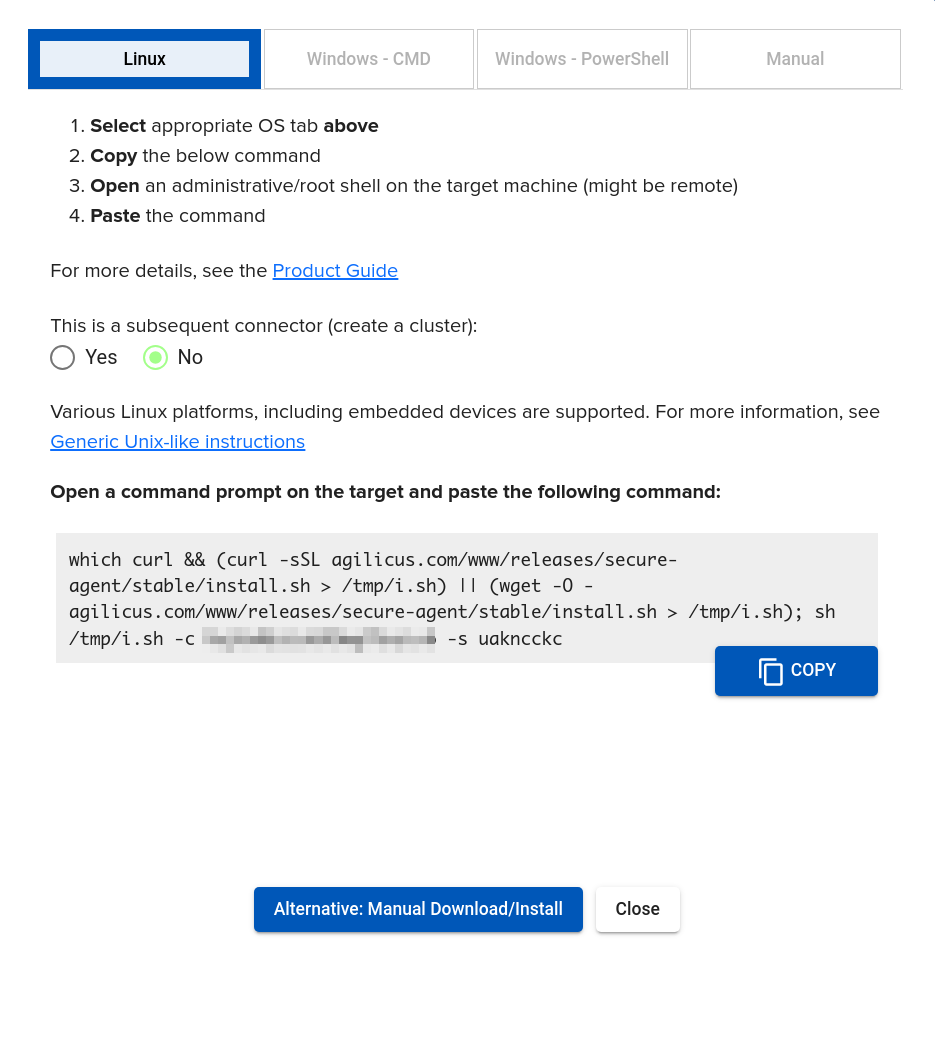
During the installation, a Service Account will be created (permissions for the Connector to run as).
The Raspberry Pi installation uses the same instructions as the Linux ones (image at right) A sample command line is offered in the Agilicus admin porttal, which may be pasted into the ssh shell.
You are now complete.
Logs (if any) are generated to /var/log/agilicus-agent.log (e.g. run ‘tail -F /var/log/agilicus-agent.log’)
We may check the status once installed as below.
Sample Install Output
RPI $ which curl && (curl -sSL agilicus.com/www/releases/secure-agent/stable/install.sh > /tmp/i.sh) || (wget -O - agilicus.com/www/releases/secure-agent/stable/install.sh > /tmp/i.sh); sh /tmp/i.sh -c hAS43XdGbJwpnmSo2AjrKH -s ua6keppv
/usr/bin/curl
Must run as root to do install, attempting to use sudo.
OS: <Linux>, Machine: <x86_64>, END: <le>
Fetching https://www.agilicus.com/www/releases/secure-agent/stable/agilicus-agent into /tmp/agilicus-agent
-rwxr-xr-x 1 root root 50616688 Jul  1 18:12 /tmp/agilicus-agent
+ /tmp/agilicus-agent client --install --challenge-id hAS43XdGbJwpnmSo2AjrKH --challenge-code ua6keppv
INFO[2023-07-01T18:12:16-04:00] Starting connector - version v0.208.3
INFO[2023-07-01T18:12:30-04:00] Check if the agilicus connector is already running as a service. If so stop it
INFO[2023-07-01T18:12:30-04:00] Create file /usr/bin/agilicus-agent-wrapper.sh
INFO[2023-07-01T18:12:30-04:00] Create file /etc/systemd/system/agilicus-agent.service
INFO[2023-07-01T18:12:30-04:00] Will install to /agilicus-agent-wrapper.sh -> {/usr/bin/agilicus-agent-wrapper.sh -rwxr-xr-x <nil>}
INFO[2023-07-01T18:12:30-04:00] Will install to /agilicus-agent.service -> {/etc/systemd/system/agilicus-agent.service -r--r--r-- 0x135ad20}
INFO[2023-07-01T18:12:30-04:00] Create a directory at /opt/agilicus/agent/tufmetadata/latest
INFO[2023-07-01T18:12:30-04:00] Create a directory at /opt/agilicus/agent/tufmetadata/stable
INFO[2023-07-01T18:12:30-04:00] Create a user and group named Agilicus to run the agilicus-agent service
INFO[2023-07-01T18:12:30-04:00] Copy executable to /opt/agilicus/agent
INFO[2023-07-01T18:12:30-04:00] Set permissions to Agilicus on /opt/agilicus/agent
INFO[2023-07-01T18:12:30-04:00] Create symlink from /usr/bin/agilicus-agent to /opt/agilicus/agent/agilicus-agent
INFO[2023-07-01T18:12:31-04:00] creating connector instance
INFO[2023-07-01T18:12:31-04:00] Join a connector cluster
INFO[2023-07-01T18:12:31-04:00] Start agilicus-agent service
INFO[2023-07-01T18:12:32-04:00]
INFO[2023-07-01T18:12:32-04:00] Installation Complete
INFO[2023-07-01T18:12:32-04:00]
RPI $