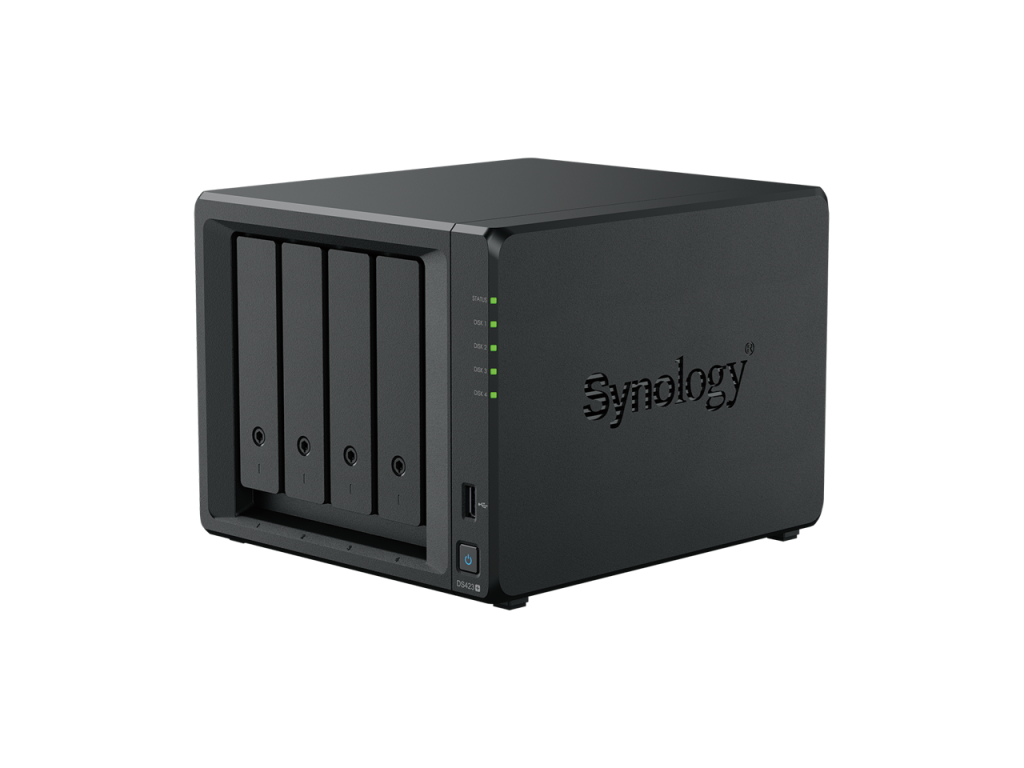
synology nas

Synology Surveillance Station

Synology® makes a wide array of network attached storage devices. They have a large application ecosystem that includes an application called ‘Synology Surveillance Station‘. Learn how to configure your ONVIF camera with it and then configure Agilicus AnyX to use it remotely, including over Starlink or Cellular.

Synology Surveillance Station

Synology® makes a wide array of network attached storage devices. They have a large application ecosystem that includes an application called ‘Synology Surveillance Station‘. Learn how to configure your ONVIF camera with it and then configure Agilicus AnyX to use it remotely, including over Starlink or Cellular.

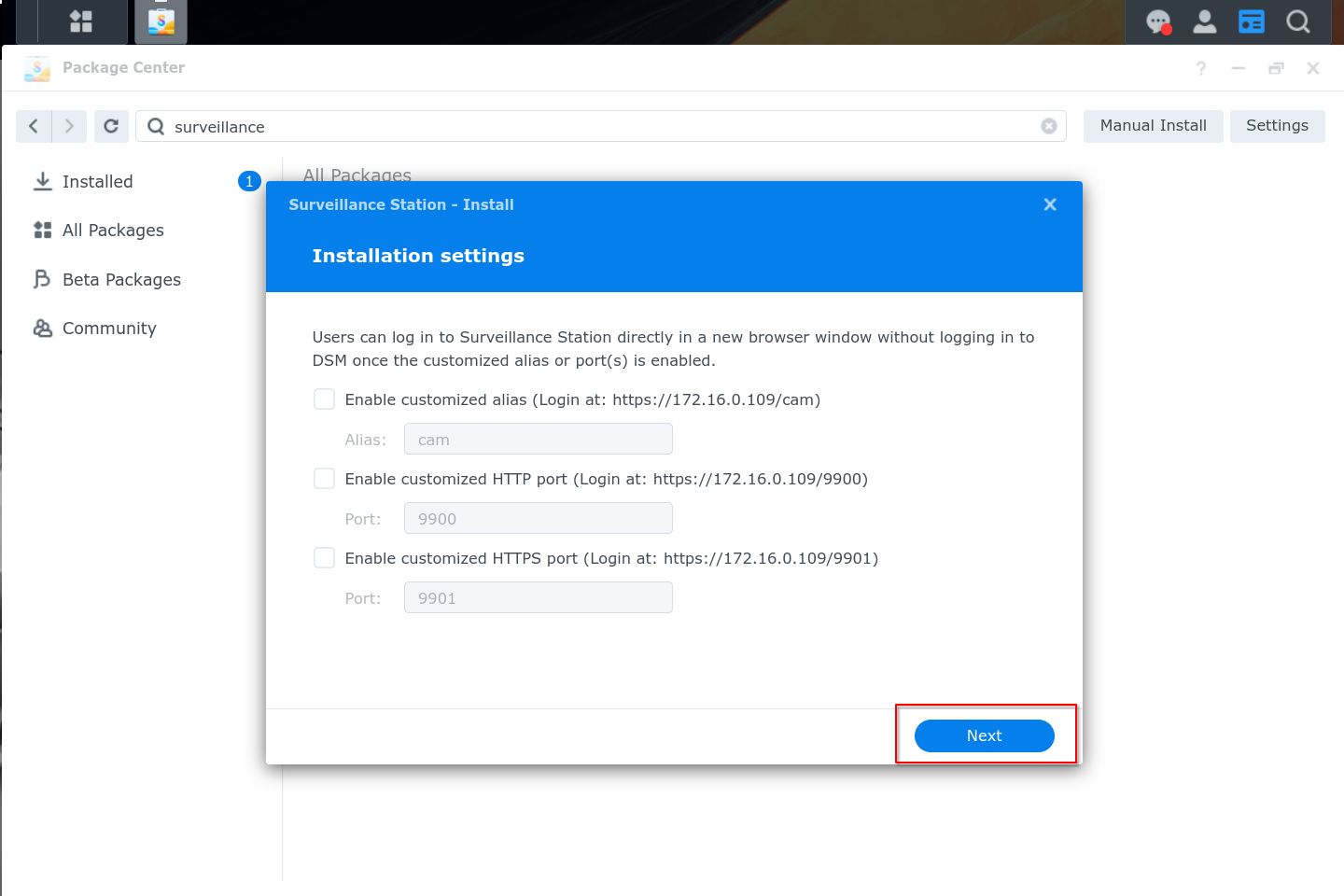
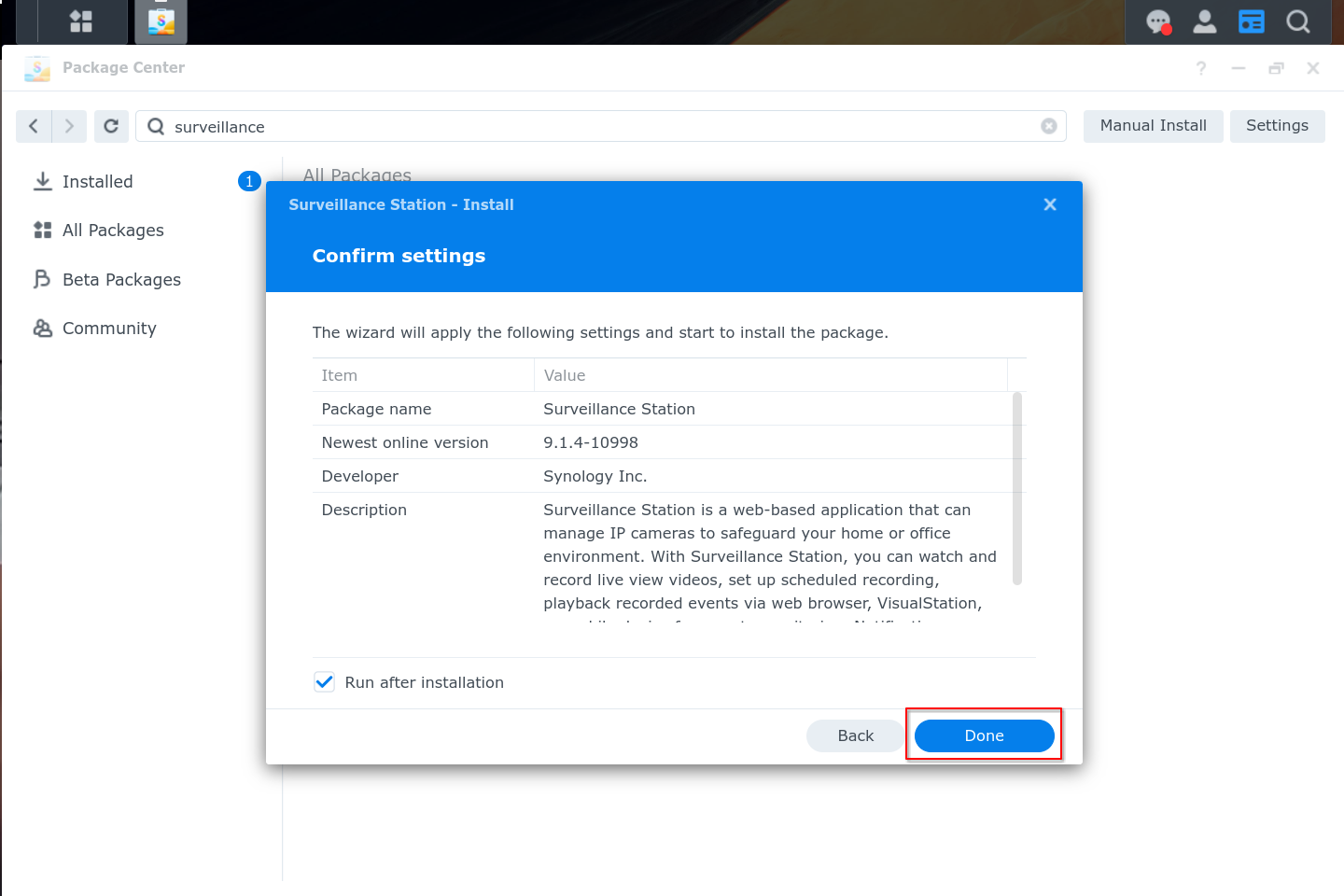
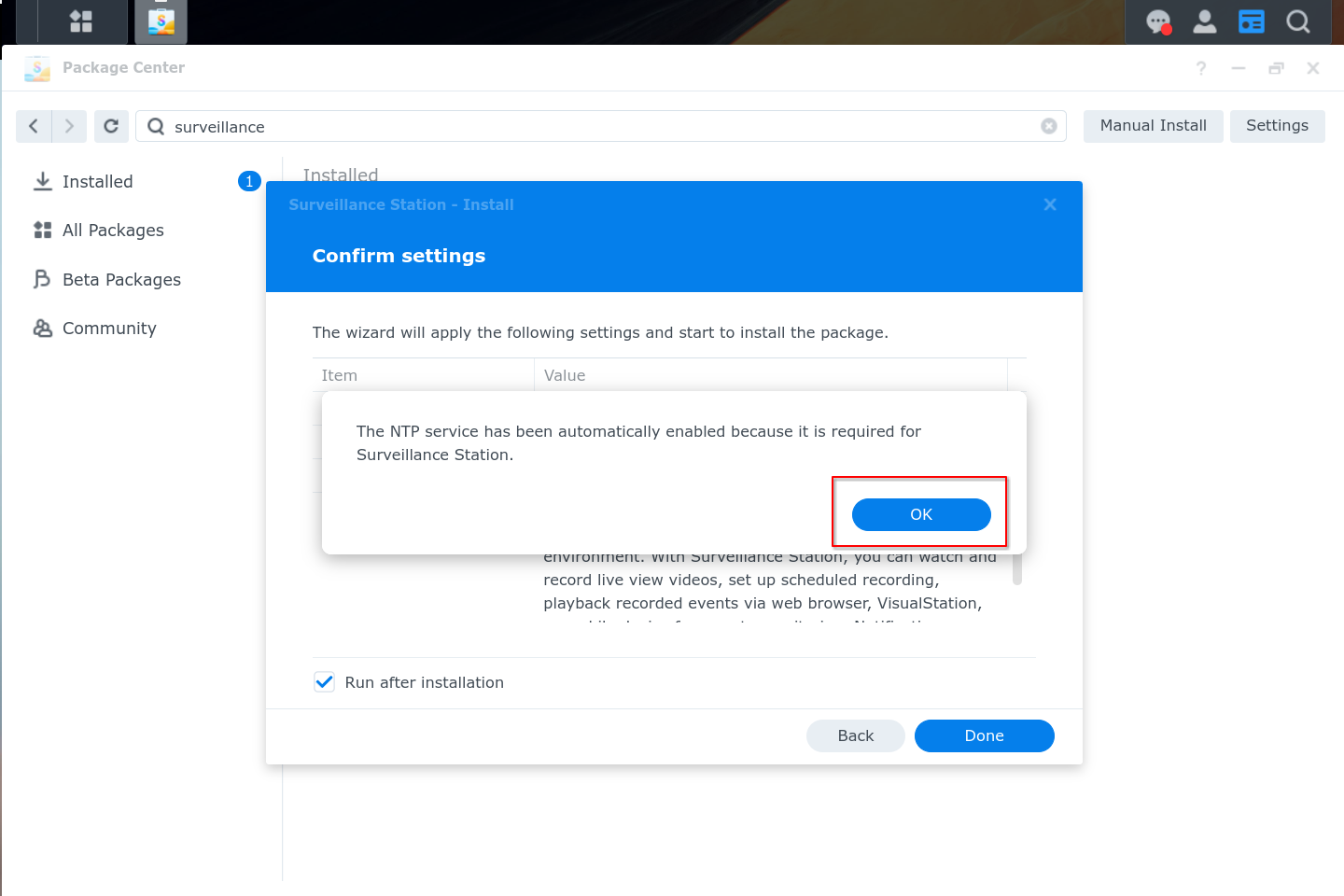
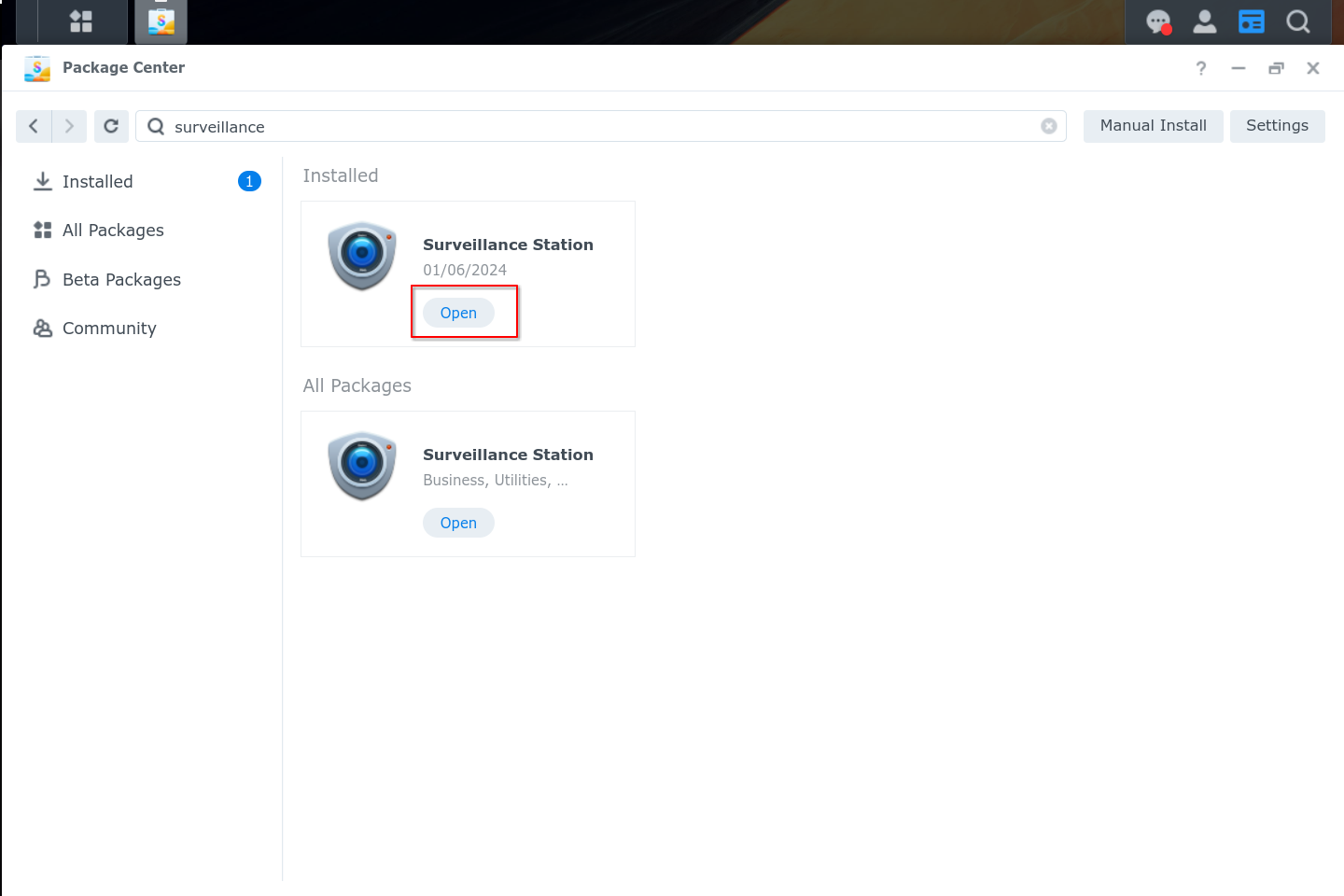
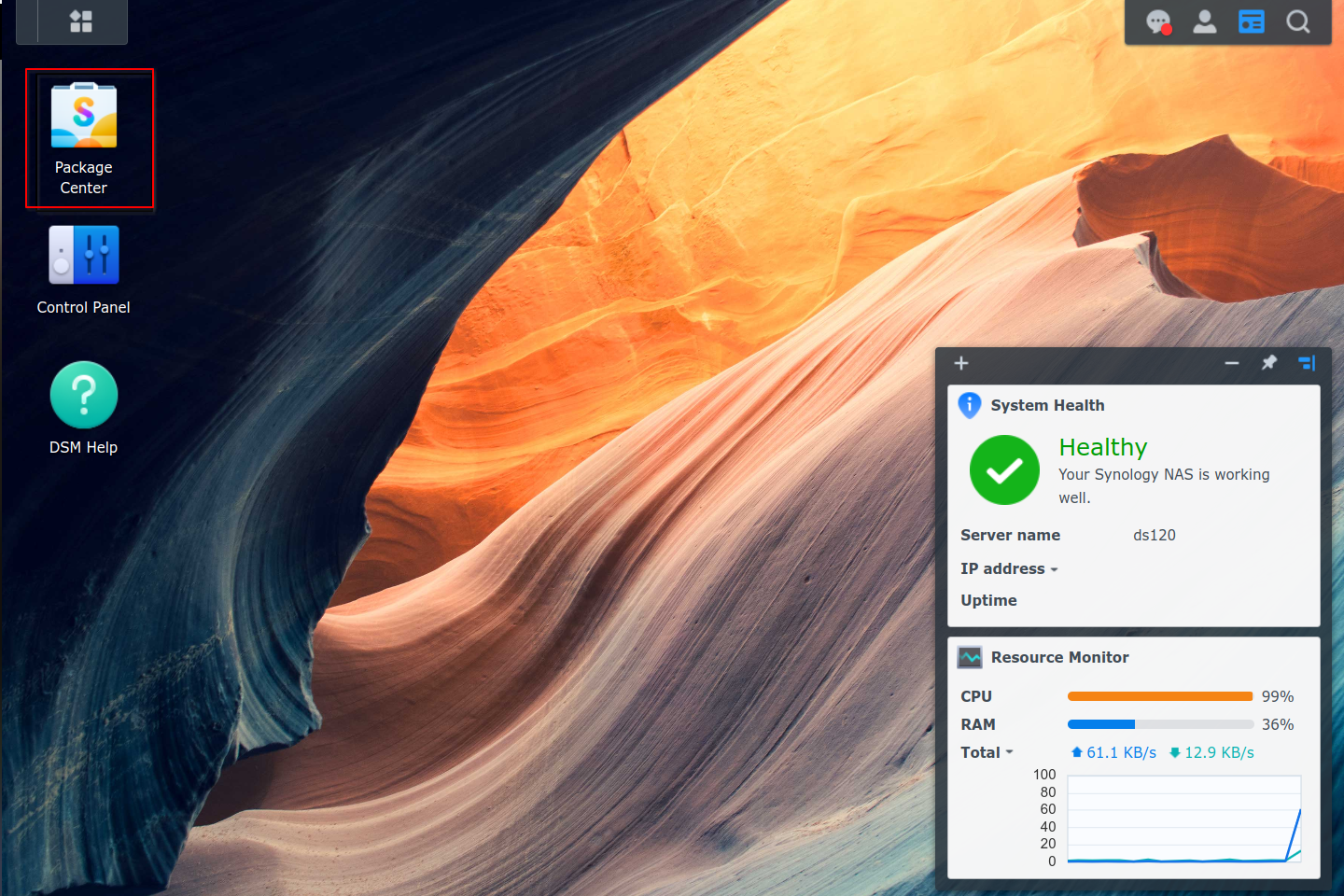
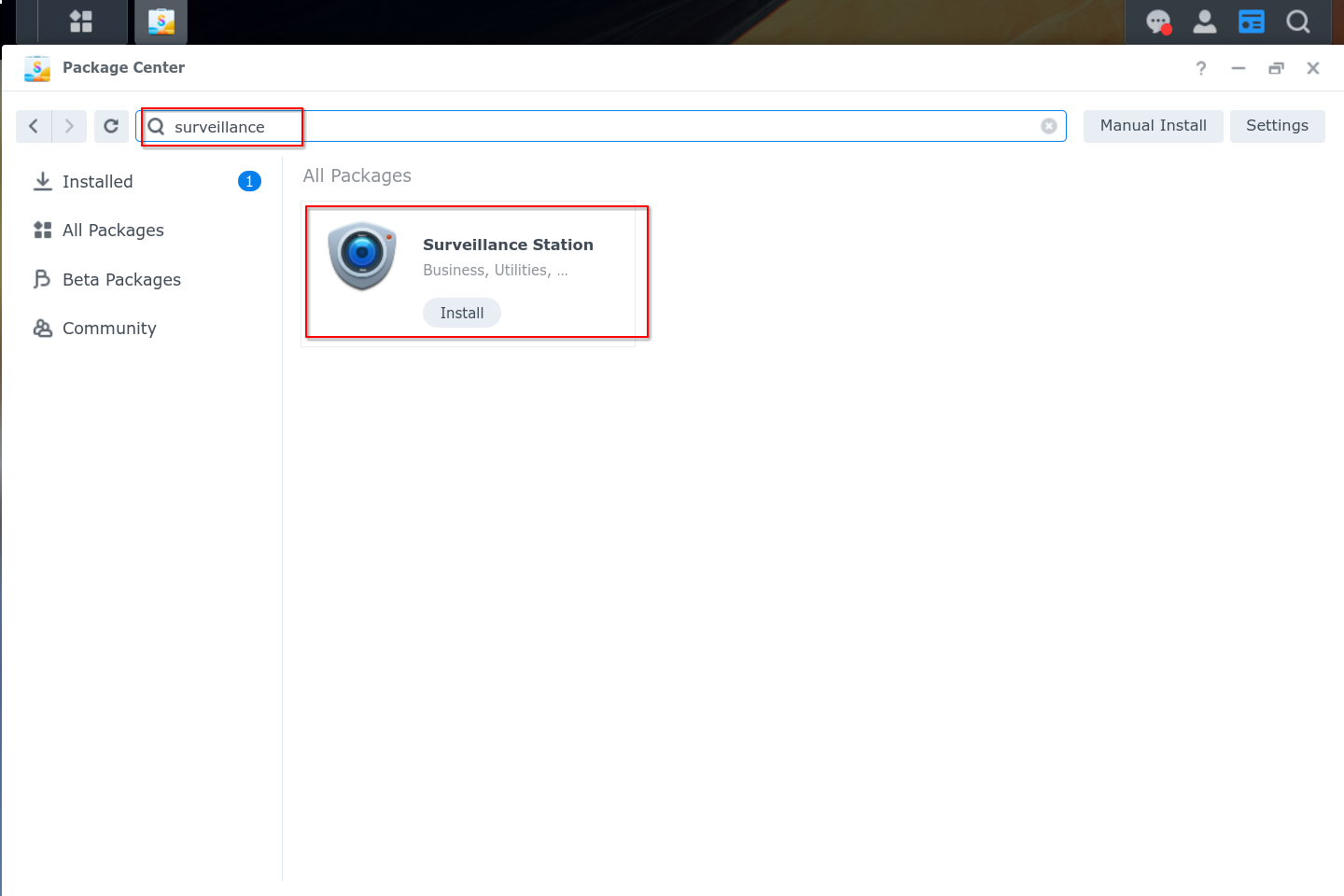
We will follow the standard instructions for Synology Surveillance station:

  1. Install package
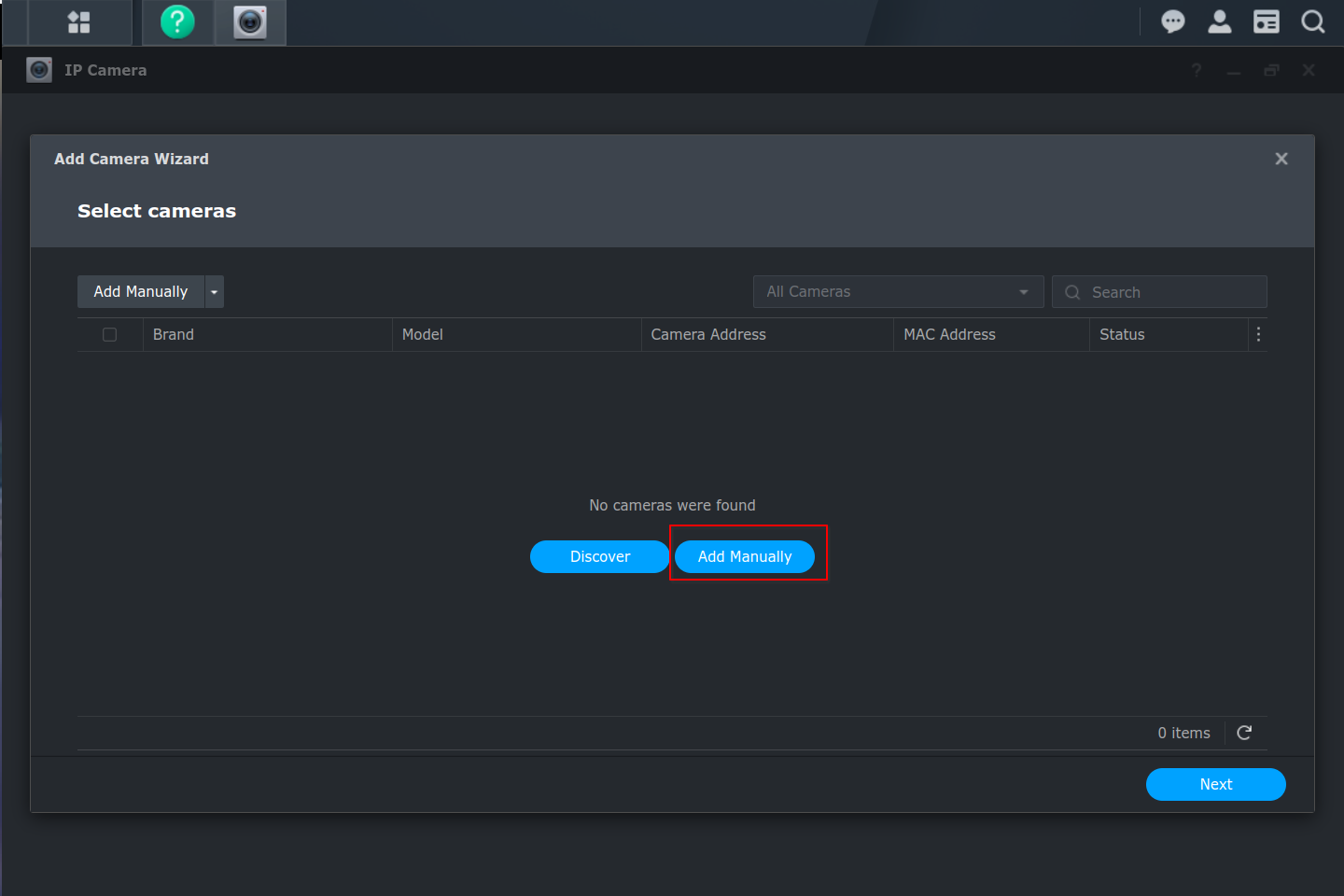
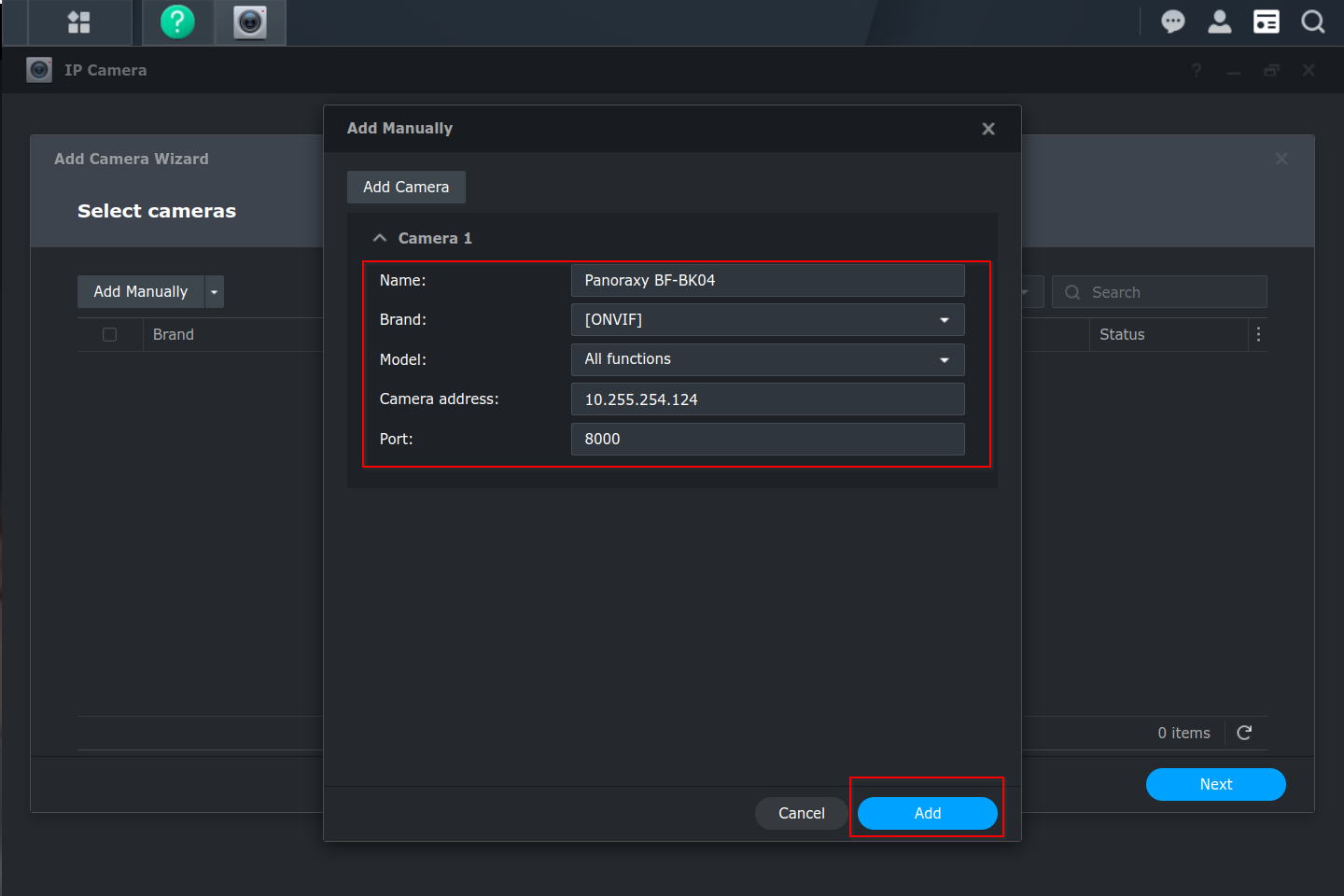
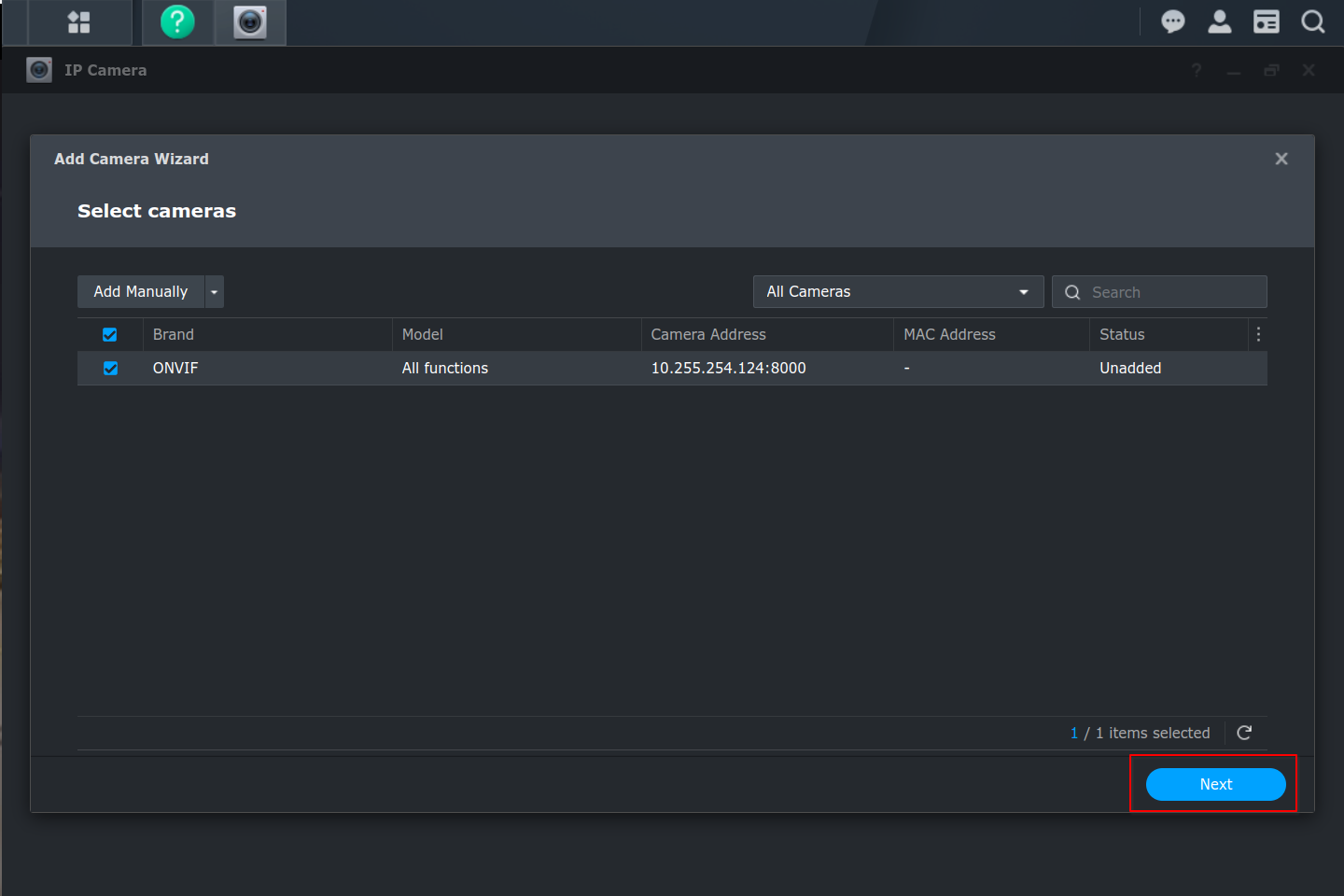
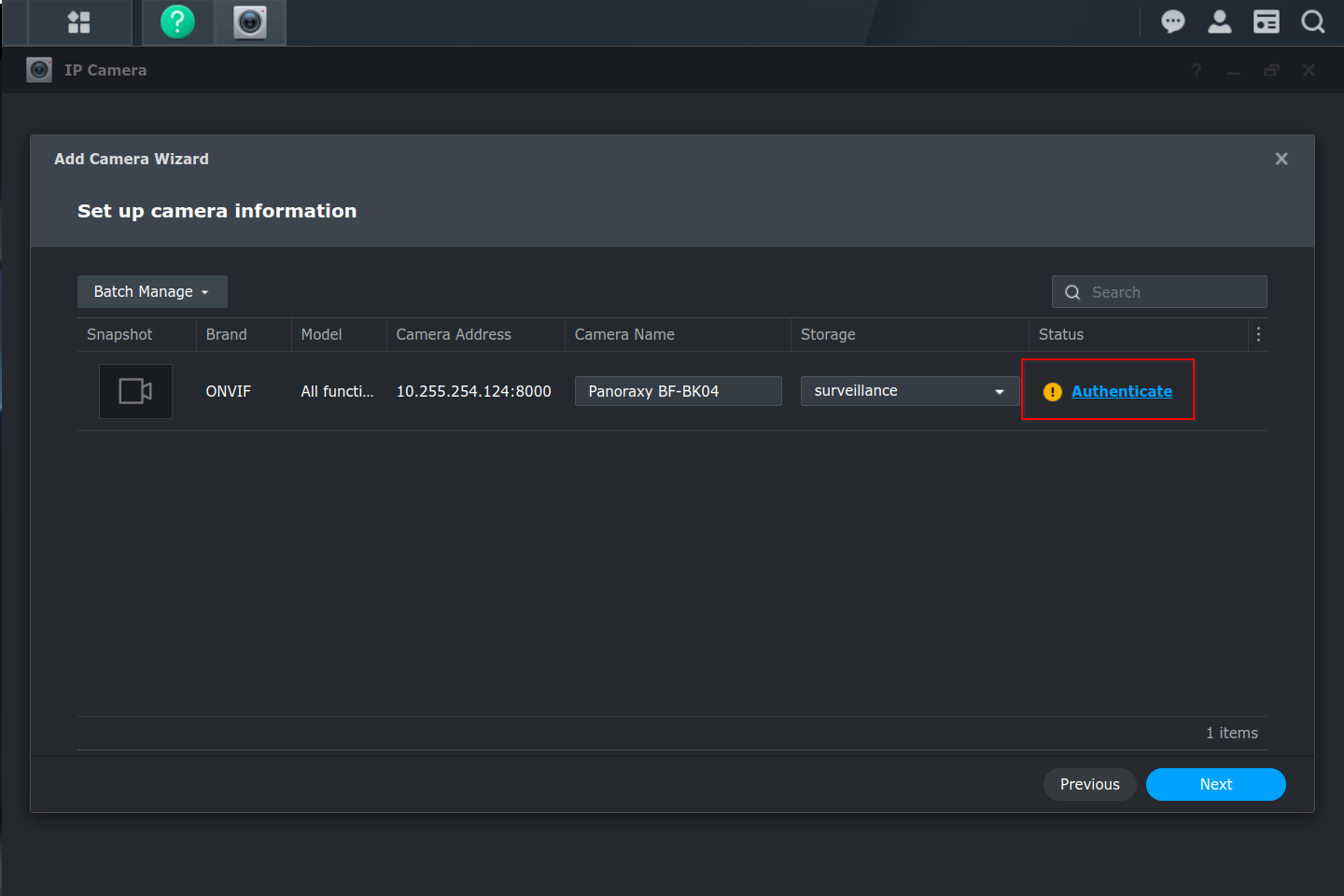
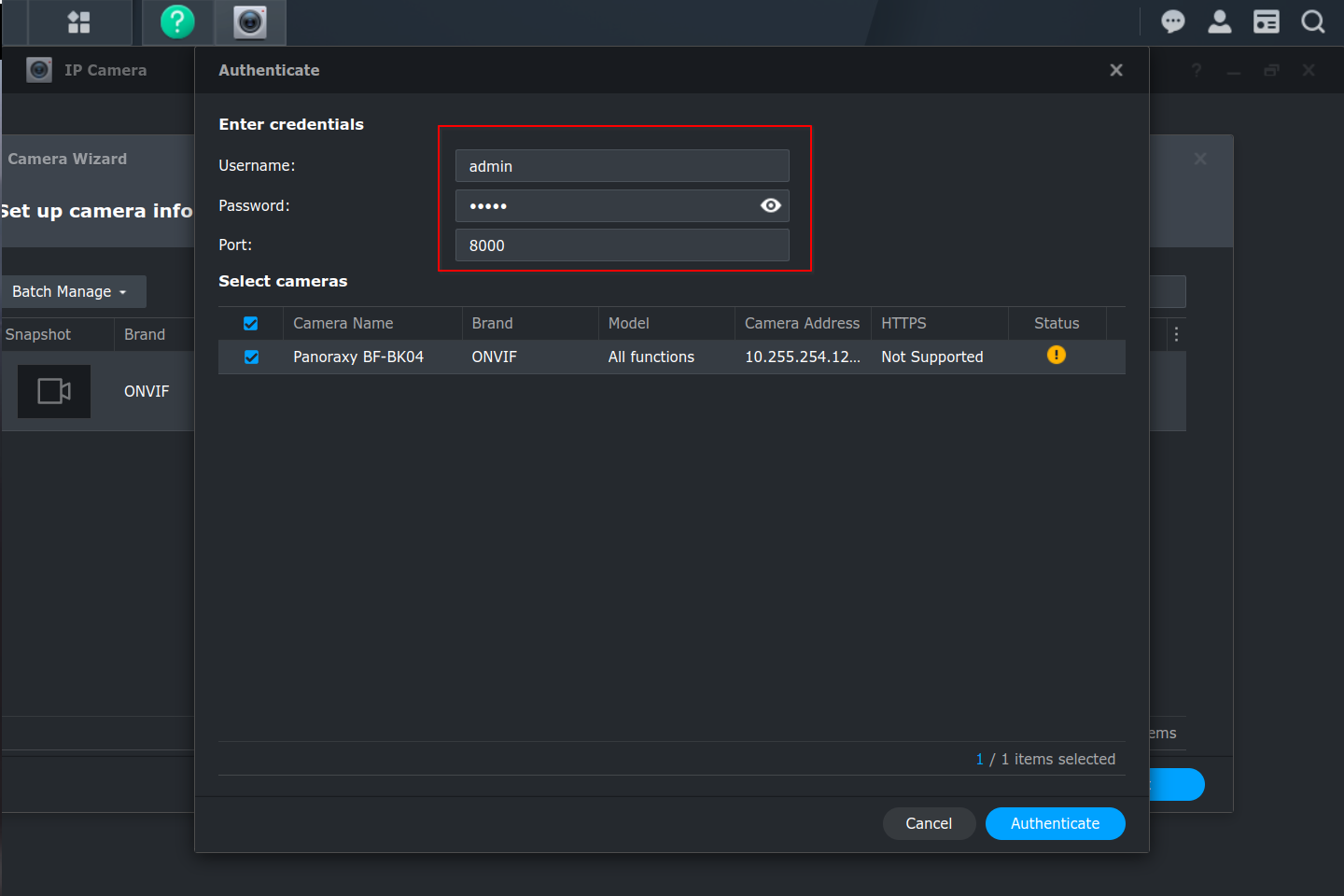
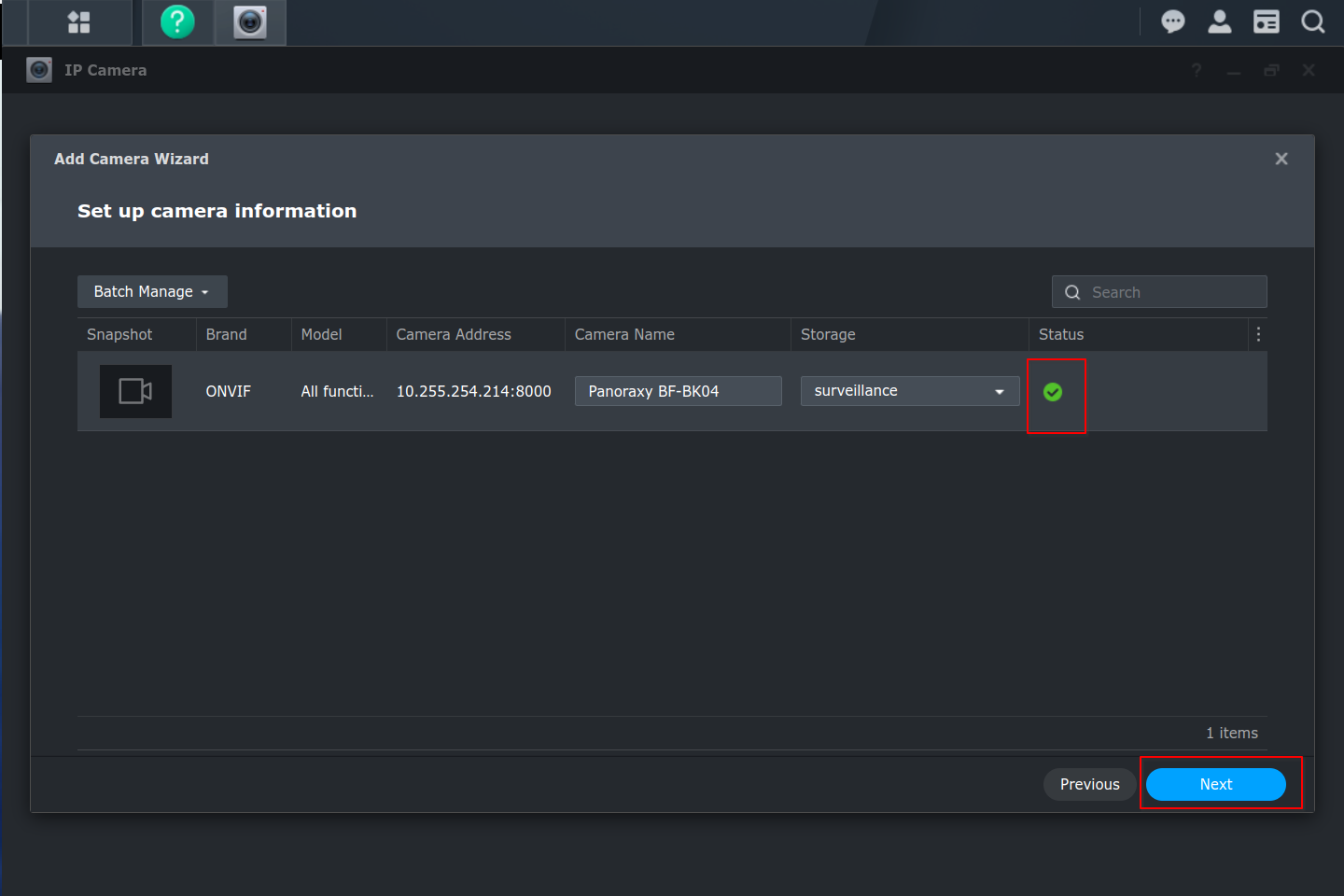
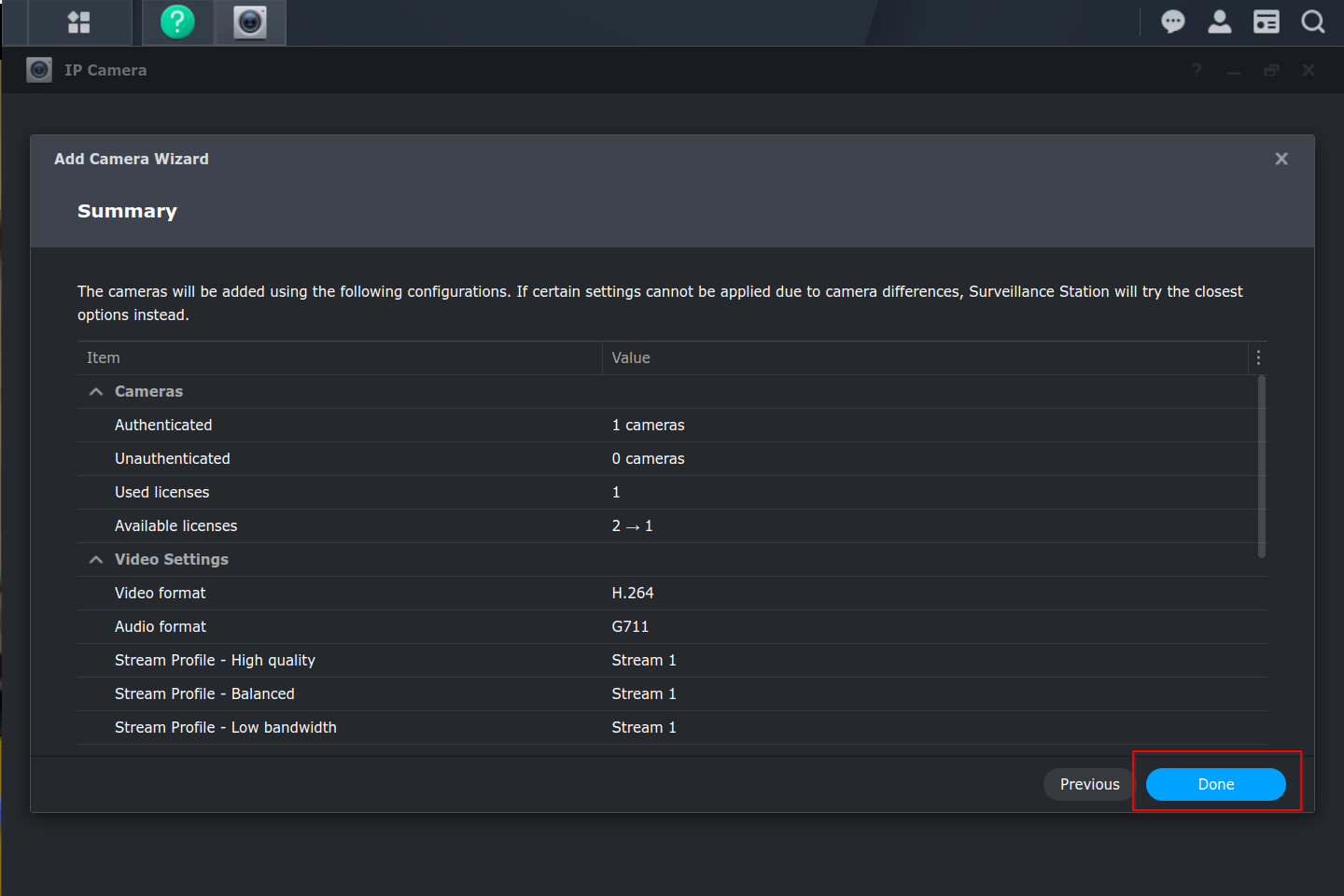
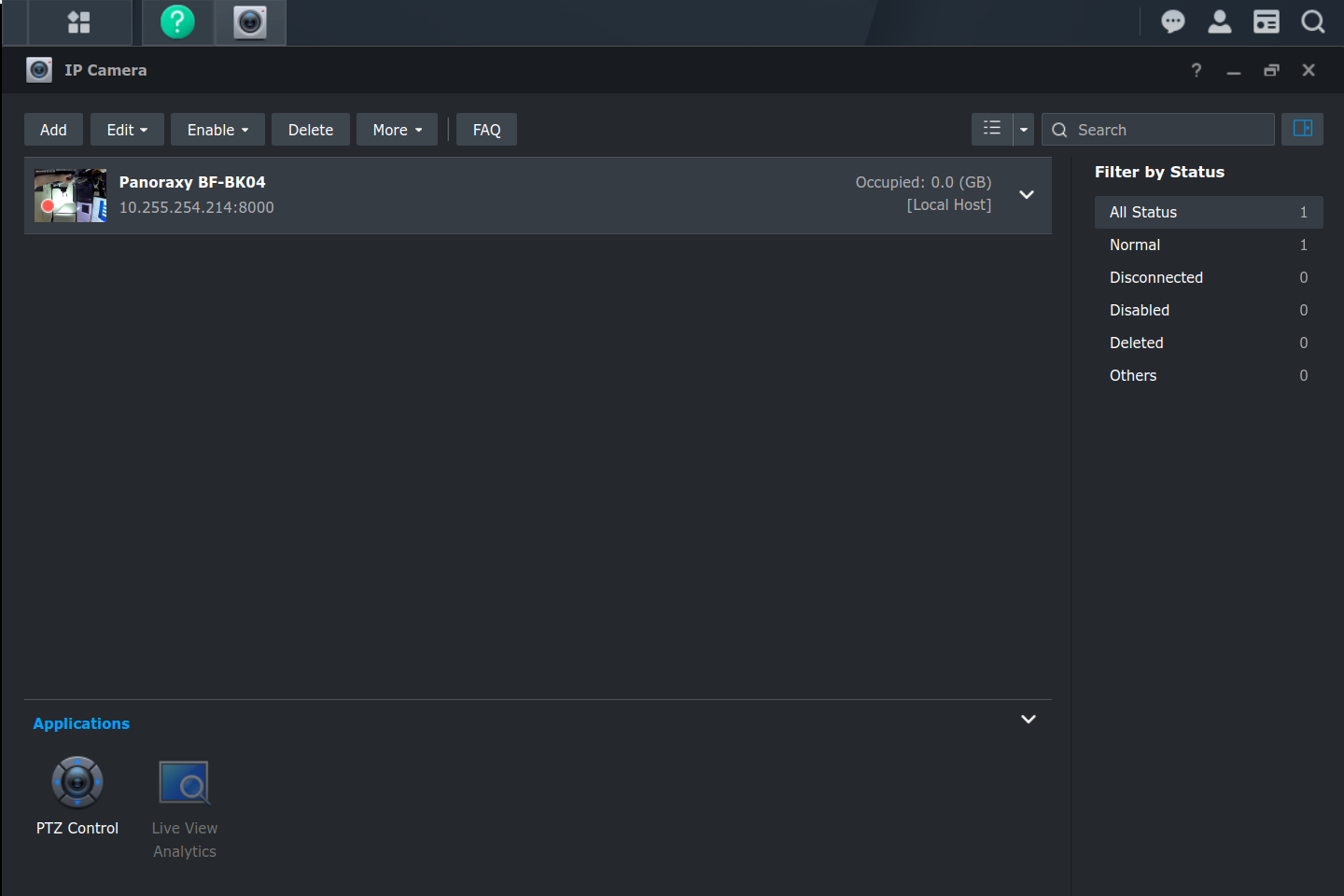
  2. Add camera

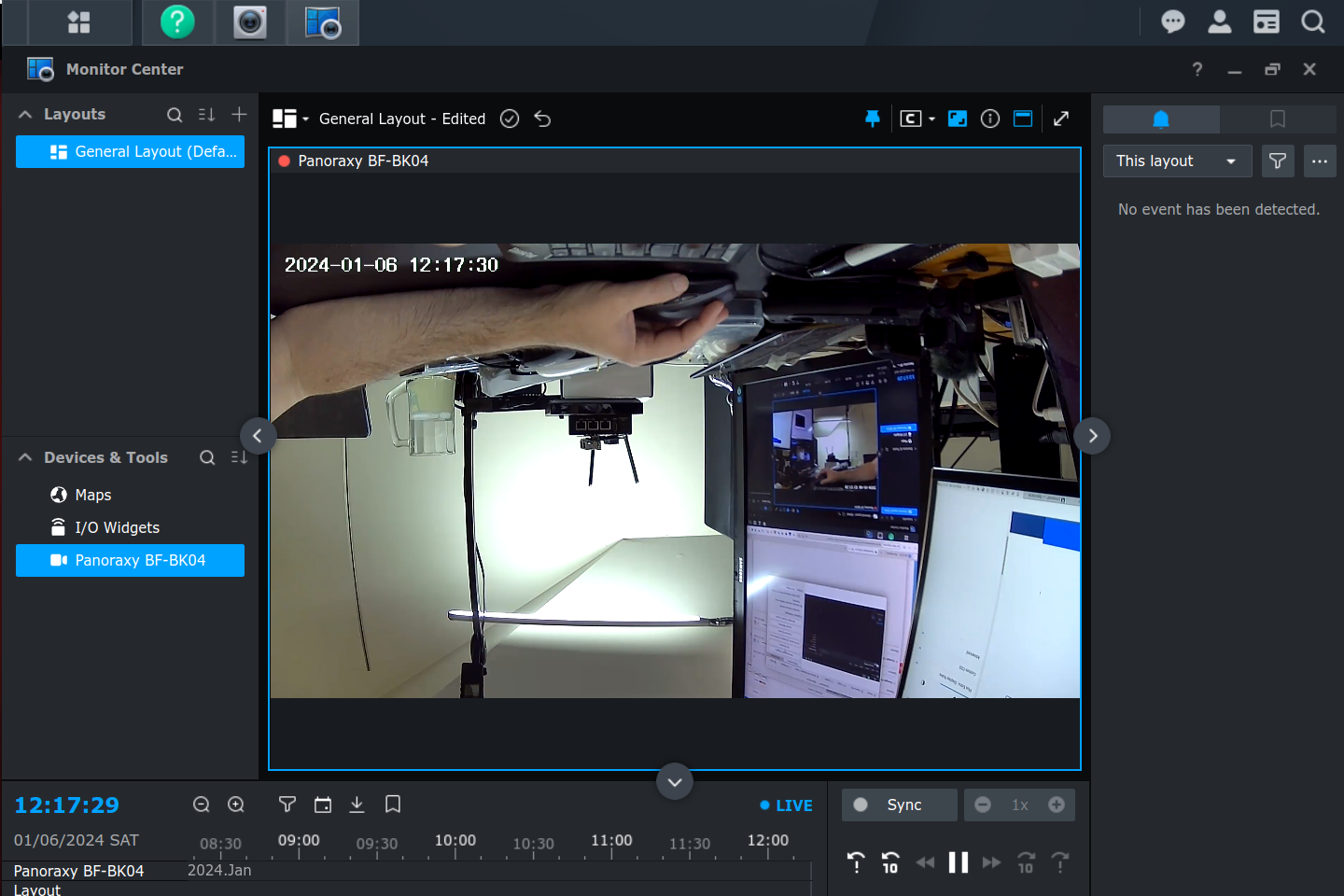
Once this is done, we should have local access to our cameras. You can create monitoring overlays, use the PTZ features, etc.

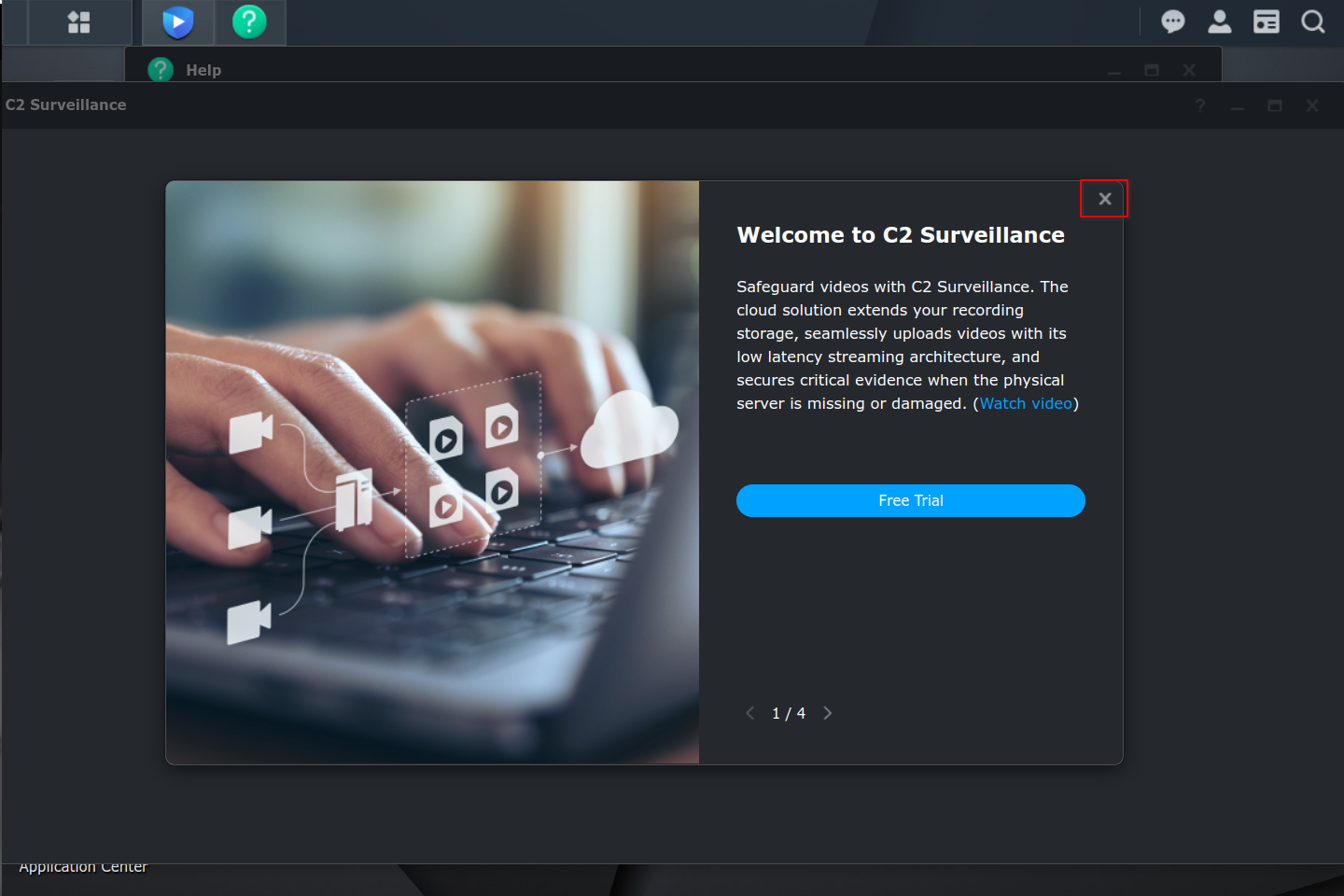
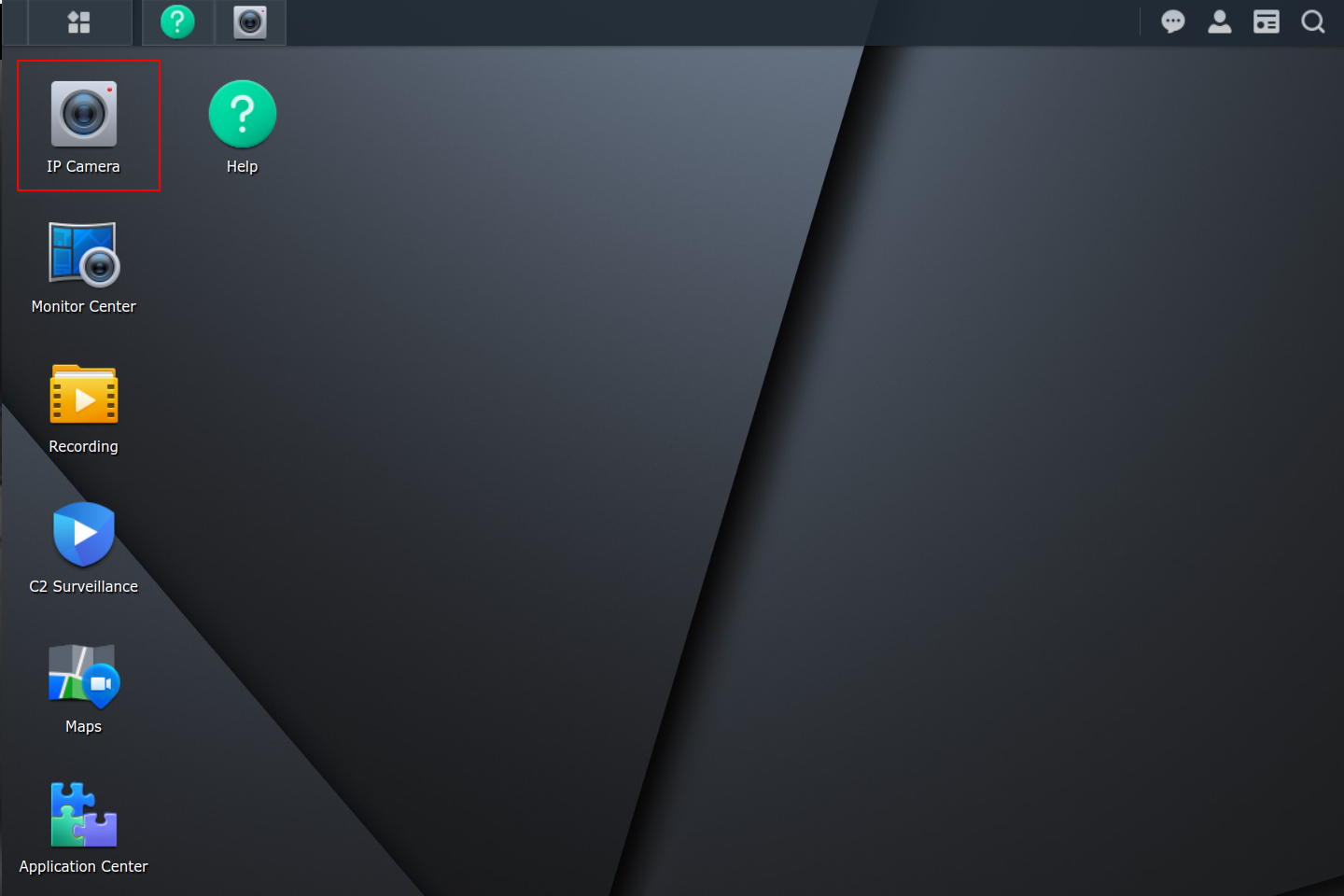
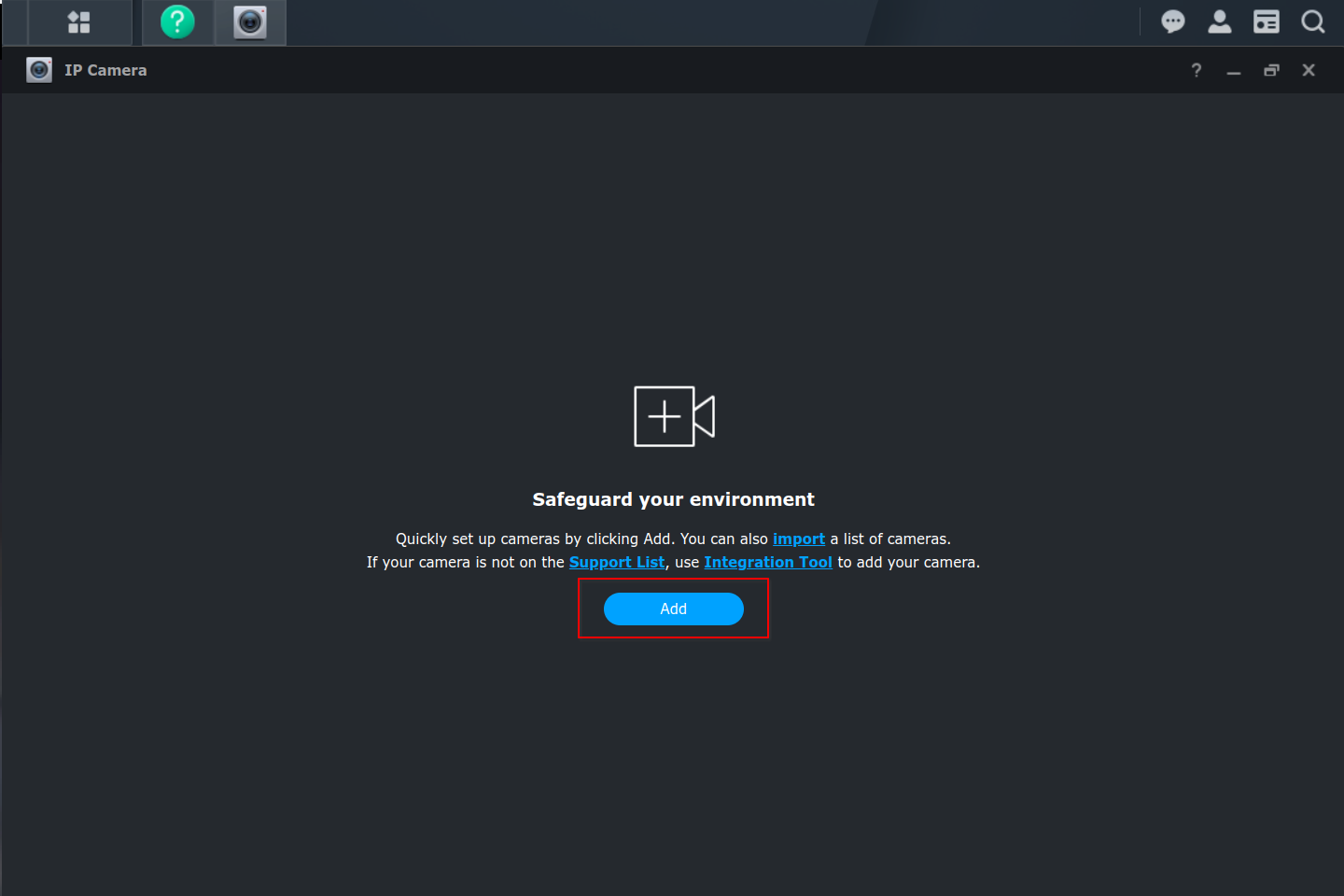
The screen shots below show the steps for the Panoraxy BF-BK04. We needed to know its IP, username, password, port (these were all available in its app).
Starlink satellite internet dish installed next to a Synology Surveillance Station NVR.
Starlink dish with Synology Surveillance Station interface displayed on a laptop screen, showing network status and camera feeds.
Synology Surveillance Station with Starlink for remote camera access and NAS management.
Diagram showing Synology Surveillance Station integrated with Starlink for remote camera access.
Starlink dish pointing towards a Synology Surveillance Station NVR.
Starlink dish installed next to Synology Surveillance Station NVR for remote surveillance.
Starlink dish on a Synology Surveillance Station with a camera feed visible.
Starlink satellite dish mounted on a pole next to a Synology Surveillance Station server rack.
Starlink dish connected to a Synology Surveillance Station system.
Starlink satellite internet connection feeding into a Synology Surveillance Station, showing network connectivity and data flow.
Starlink router connected to Synology Surveillance Station via Ethernet cable.
Starlink and Synology Surveillance Station integration diagram.
Starlink internet connection diagram for Synology Surveillance Station, showing Dishy, router, and camera connections.
Starlink internet connection providing stable, high-speed data for Synology Surveillance Station.
Synology Surveillance Station setup with Starlink internet connection.
Starlink satellite dish connected to a Synology Surveillance Station NVR for remote video surveillance.
Starlink satellite dish with Synology Surveillance Station logo overlay.
Diagram illustrating the connection of Synology Surveillance Station with Starlink, showing remote access configuration.