Category:
Resources
You can set the icon profile show for any resource type:
- ssh
- desktop
- web application
- launcher
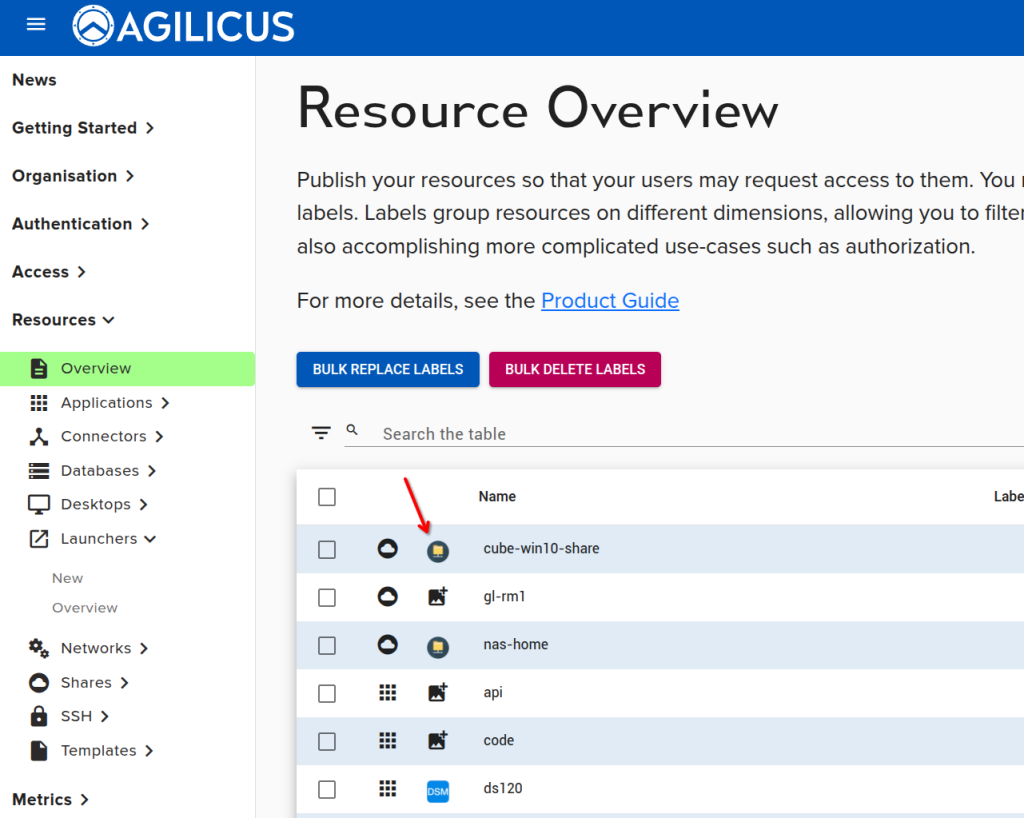
Navigate to Resources/Overview, select the icon for the given resource and upload a PNG or JPG or SVG file that is square in aspect ratio (e.g. 256×256, 64×64, etc).
You can then test the icon by navigating to profile and refreshing.