
AnyX Guide Topic: authentication
-
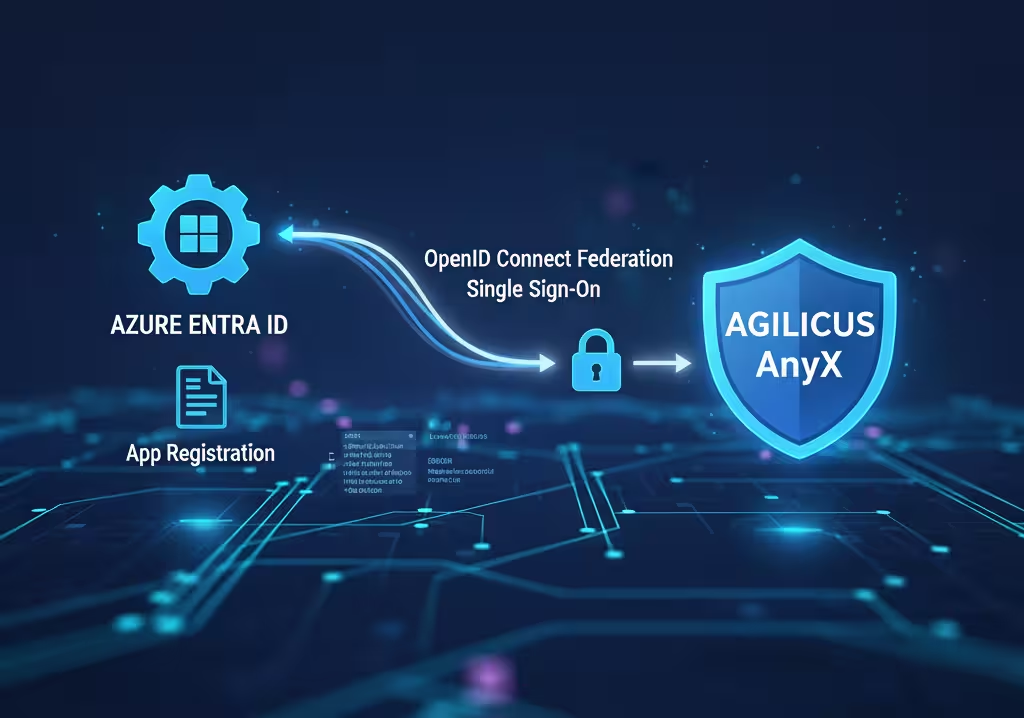
Example: Azure Entra Setup
 Read more: Example: Azure Entra Setup
Worked through example showing setup of a custom Azure application registration for auto-user creation, auto-group syncing, zero-touch user provisioning.
-
VTScada Single-Sign-On
 Read more: VTScada Single-Sign-On
Enable single-sign-on, multi-factor authentication to VTScada for external users via Agilicus AnyX
-
Agilicus Connector Sign-In
 Read more: Agilicus Connector Sign-In
The Agilicus Connector creates a service account on installation, bootstrapped via a browser from the Administrator who is installing it.
-
Legacy Active Directory
 Read more: Legacy Active Directory
On-premise legacy active directory with ADFS can act as an OpenID Connect Identity Provider. Learn how to configure.
-
Sign-In Errors
 Read more: Sign-In Errors
Explain the various errors a user might see on sign-in
-
Azure Active Directory
 Read more: Azure Active Directory
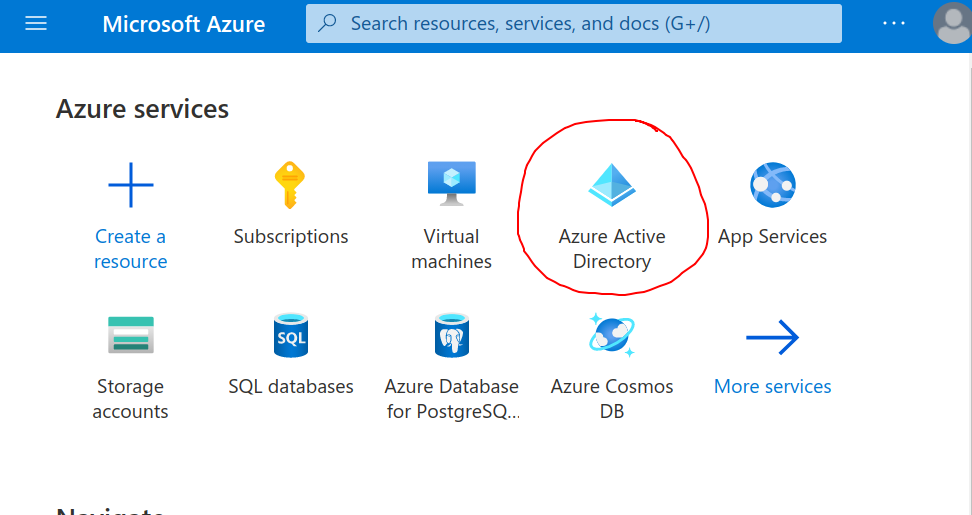
Azure Active Directory provides an OpenID Connect Federated Identity Endpoint. Learn how to configure.
-
Sign-In Theming
 Read more: Sign-In Theming
You can theme the authentication (sign-in) screen your users see. Learn how.
-
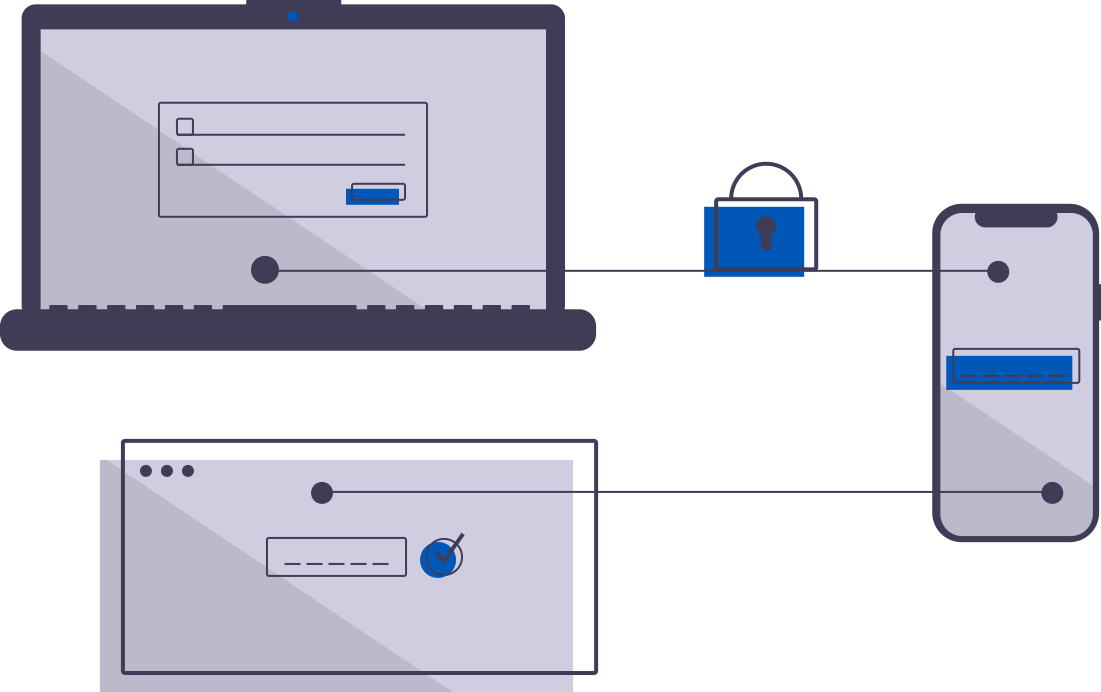
Multi-Factor Authentication
 Read more: Multi-Factor Authentication
Multi-factor authentiction. Configure how, when, how often, users are required to supply a 2nd factor to sign in.
-
Identity & Authentication Methods
 Read more: Identity & Authentication Methods
You can theme the authentication (sign-in) screen your users see. Learn how.
-
Authentication Clients
 Read more: Authentication Clients
The Authentication Clients implement OpenID Connect client id. This is an advanced setting, it is rarely required to configure. These are created automatically for each web application.
-
Users
Read more: UsersUsers. Individual human or system accounts that can be granted permission. Typically users are people, and, are tied to Agilicus AnyX via single-sign-on to an existing identity provider.
-
Authentication Rules
Read more: Authentication RulesAuthentication rules allow providing conditional-access rulesets during the authentication process. IP range, device, multi-factor, etc.
-
Sign in With Microsoft
 Read more: Sign in With Microsoft
Sign in with Microsoft to the Agilicus Platform. Ramificatiosn of Shared vs your own Azure Active Directory Application.
-
Groups
 Read more: Groups
Groups simplify assigning permissions. Assign users to one or more groups. Assign groups to groups Assign permissions to groups. Administrators, tech-support, etc.
-
Service Accounts
 Read more: Service Accounts
A service account is a specific subset of permissions assigned to a non-human user. The most common use is the Agilicus Agent Connector.
-
Authentication Issuer – Custom Identity
 Read more: Authentication Issuer – Custom Identity
An Authentication Issuer holds and confirms Identity. Configure your own custom ones here.
-
Authentication Audit
 Read more: Authentication Audit
Authentication audit shows events related to user identity, each step, multi-factor, policies, locations, etc. E.g. ‘sign-in’ obtain id token.
-
Auto-Create Users From Specific Domain With Google Workplace
 Read more: Auto-Create Users From Specific Domain With Google Workplace
Create a customised Sign In With Google (for e.g. Workplace with auto-create users)
-
Administrative Users
 Read more: Administrative Users
Administrative users are assigned via System Groups (sysgroups). These allow you to control who can make changes, to what objects.
-
Authentication Issuer – Onsite Identity
Read more: Authentication Issuer – Onsite IdentityAn Authentication Issuer holds and confirms Identity. Configure your own custom ones here.