

The Agilicus connector automatically upgrades, with all connectors skewed in time. Normally this is completed automated and can be ignored.
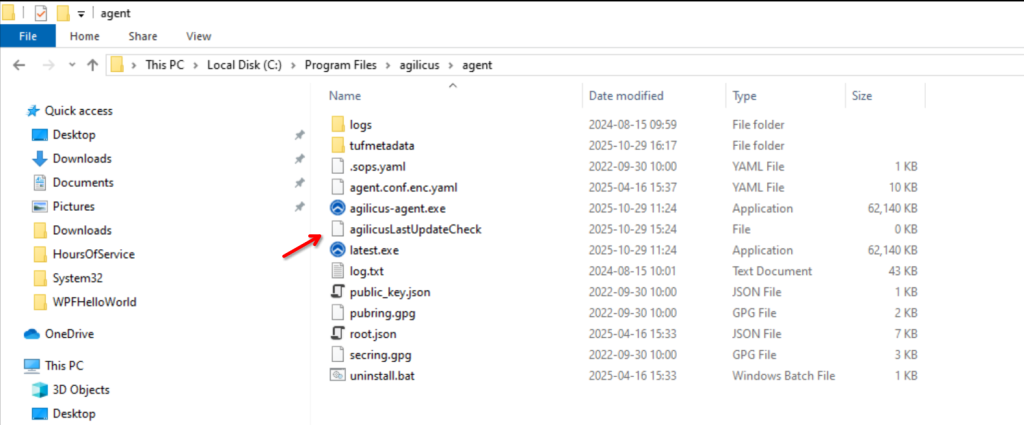
In some circumstances you may wish to force it to re-evaluate if there is a new version. To achieve this, remove the ‘agilicusLastUpdateCheck’ file, and restart the service.
On windows:
on Linux: rm /opt/agilicus/agent/agilicusLastUpdateCheck
On windows you may restart the service from the windows service manager. On Linux you may use ‘systemctl restart agilicus-agent’.