

Agilicus AnyX Training
Agilicus AnyX Training
For more information on the specific features and configuration, see the Product Guide, or, the set of fully-worked out Examples.
If you have questions or need assistance, please contact support via email “support@agilicus.com”.
-
Initial Setup
This training guide walks you through the initial setup process for the Agilicus AnyX platform. Learn the essential first steps, including account creation, DNS configuration, setting up your domain name, creating initial administrator accounts, and configuring your primary authentication methods to get your Zero Trust environment up and running.
-

Overview
This training course provides a high-level overview of the Agilicus AnyX platform, covering its core theory of operation and key components. Participants will gain an understanding of essential terminology and the main parts of the system they will interact with, laying the foundation for more advanced topics.
-

Users and Authentication
This training module covers the essentials of user and authentication management in Agilicus AnyX. Learn how to set up and organize users and groups, configure various authentication methods, integrate with identity providers, and effectively enable and manage multi-factor authentication to secure your environment.
-
Multi-Factor Authentication
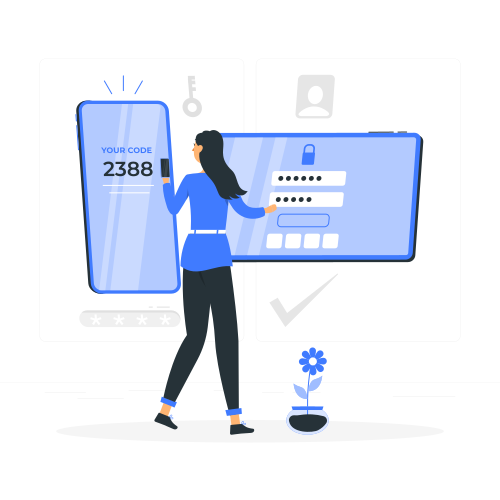
This training guide provides a comprehensive walkthrough for setting up multi-factor authentication (MFA) within the Agilicus AnyX platform. It covers the configuration process from both an administrator’s and an end-user’s perspective, ensuring a smooth and secure implementation. Learn why MFA is crucial for enhancing security and how to effectively deploy it for your organization.